Order Blocks
Order Blocks
Order blocks by strict rules, with higher-timeframe zones and a wear label for every zone.
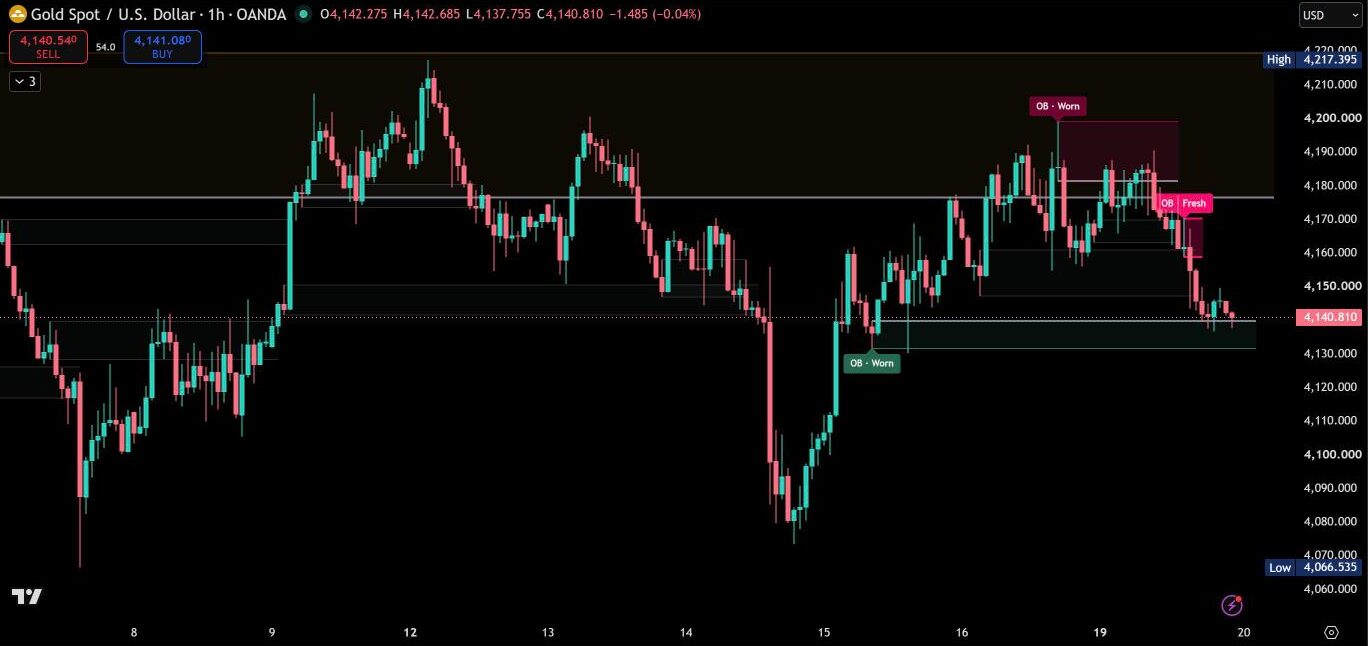
Before / after
Same chart. Now with Order Blocks.
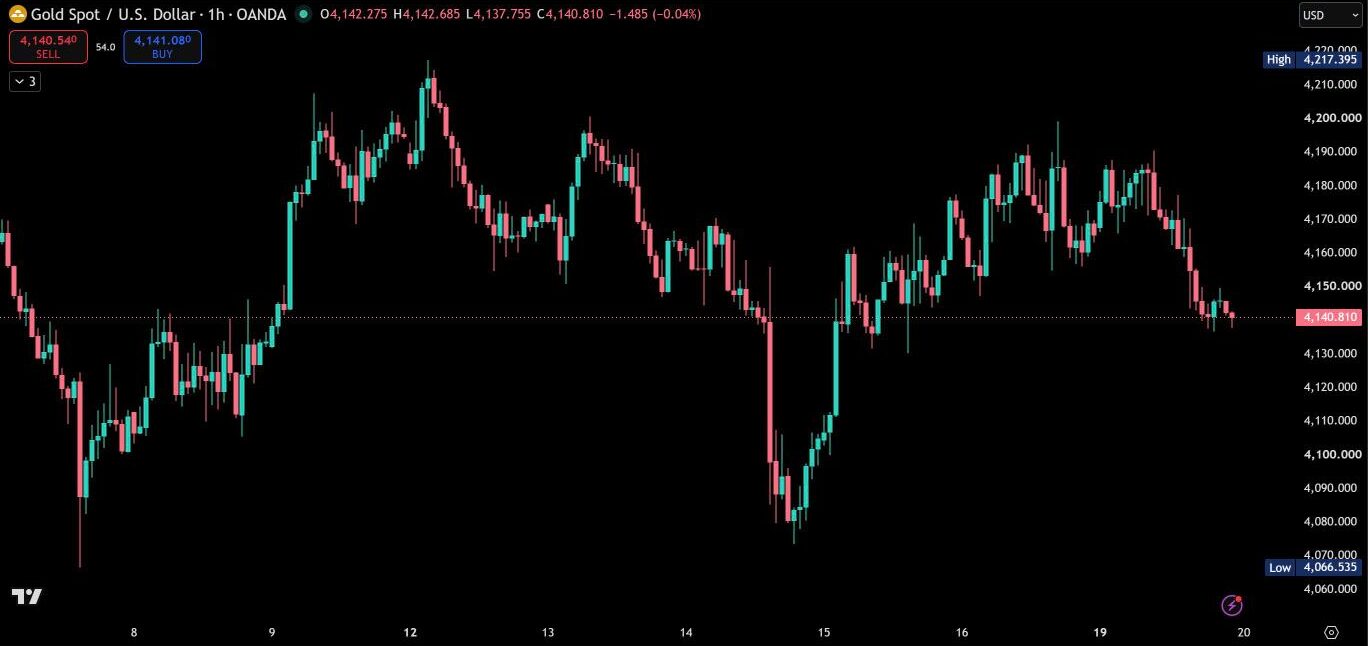
Order Blocks marks the zones where a strong move started, but only when the full sequence is there: the last opposite candle, a clean impulse, a fair value gap and a body close beyond the candle. Every zone then keeps its own history, so you see at a glance which zones are untouched, which have been tested and which one price is trading in right now. Zones from a higher timeframe come along on the same chart.
Strict rules for every zone
A zone is only drawn when the complete sequence is confirmed: the last opposite-colored candle before the move, at least two candles in the direction of the move, a three-candle fair value gap at the earliest possible candle and a candle that closes its body beyond the order block. Gaps that are too small for the market are filtered out. If the first reaction candle sits fully inside the order block, the zone is refined to that candle while the outer wick stays protected. Every rule can be adjusted.
Fresh, Tested, Worn
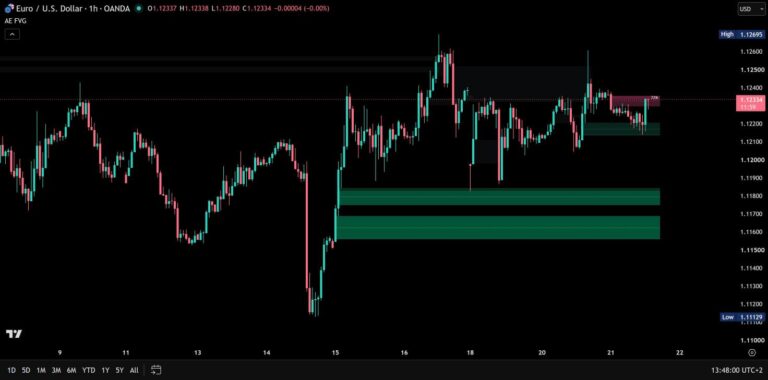
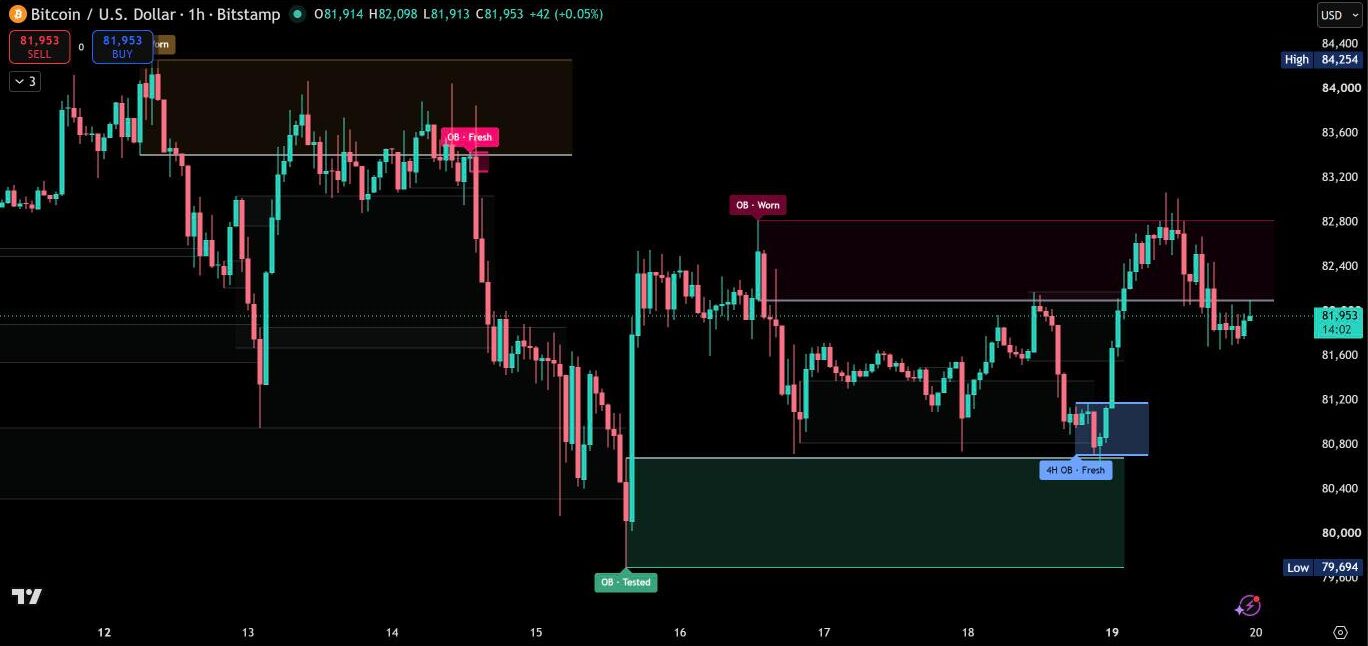
Each zone carries a label that tells you how much it has been used. Fresh means price has not come back yet. Tested means it has been touched. Worn means it has been visited three times or more, or filled to half its depth. The fill fades as a zone gets used, and the edge price came in from turns grey after the first touch. Prefer counting? Switch the labels to UT for untouched zones and the number of touches.
The zone that matters right now
The newest zone price is trading in gets a stronger fill and an ACTIVE tag next to the current candle. Other labels step back while a zone is active, so your eye goes straight to the level in play. Zones near price stretch to the current candle, measured in ATR, so the same setting works on forex, crypto, gold and indices.
Higher-timeframe zones on your chart
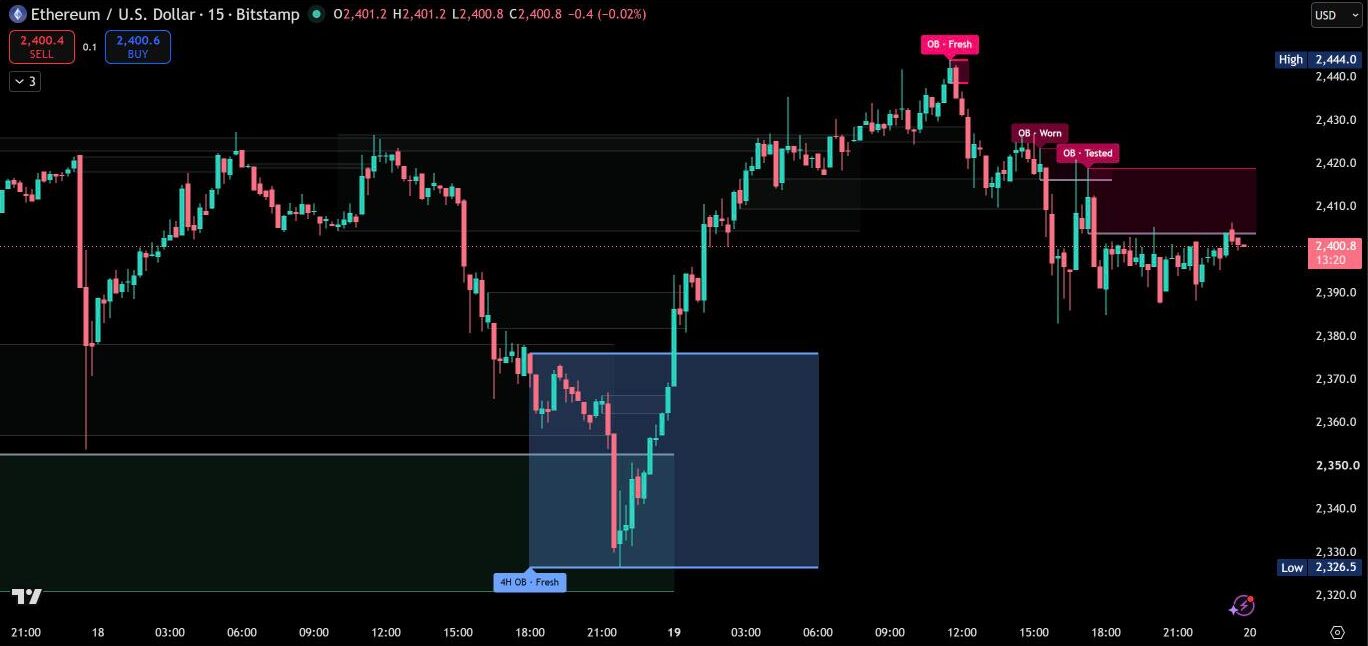
The same detection runs on a higher timeframe at the same time: 1-hour zones on charts up to 5 minutes, 4-hour zones up to the 1-hour chart, daily zones up to 4 hours, or any timeframe you choose. They come in their own colors, blue and amber, with the timeframe in the label. They are built from closed candles only and do not move once they appear.
Breaks, your way
By default a zone breaks when a candle closes beyond its far side. Prefer a different rule? Use a full wick through the zone or a wick fill of your chosen percentage. Broken zones stay on the chart in grey, so you keep the history of every level.
Alerts on candle close
- New bullish or bearish order block
- Bullish or bearish order block touched, once per visit
- Bullish or bearish order block broken
- Price enters the active order block
With “Any alert() function call” you get one detailed message with the zone type, the timeframe and the price range.
Your colors, your chart
Mint and pink for chart zones, blue and amber for higher-timeframe zones. The theme adapts to dark and light charts automatically, or you set your own colors. Settings are grouped in six sections with a tooltip for every option.
How to add Order Blocks
- Open Order Blocks on TradingView with the button below.
- Click Add to chart and add it to your favorites.
- Start with the default settings. Every option has a tooltip if you want to fine-tune.
Real reviews
What traders say about Order Blocks
No reviews yet. Are you using Order Blocks? Be the first to share your experience.
Write a review
Only real people: every review is confirmed by email and checked by hand before it appears.
Updates
Get notified about updates
One email when Order Blocks gets a new version – what changed and how to get it. Nothing else.