AI Infinity
AI Infinity
All-In-One: momentum, RSI and trend on one clean price chart.
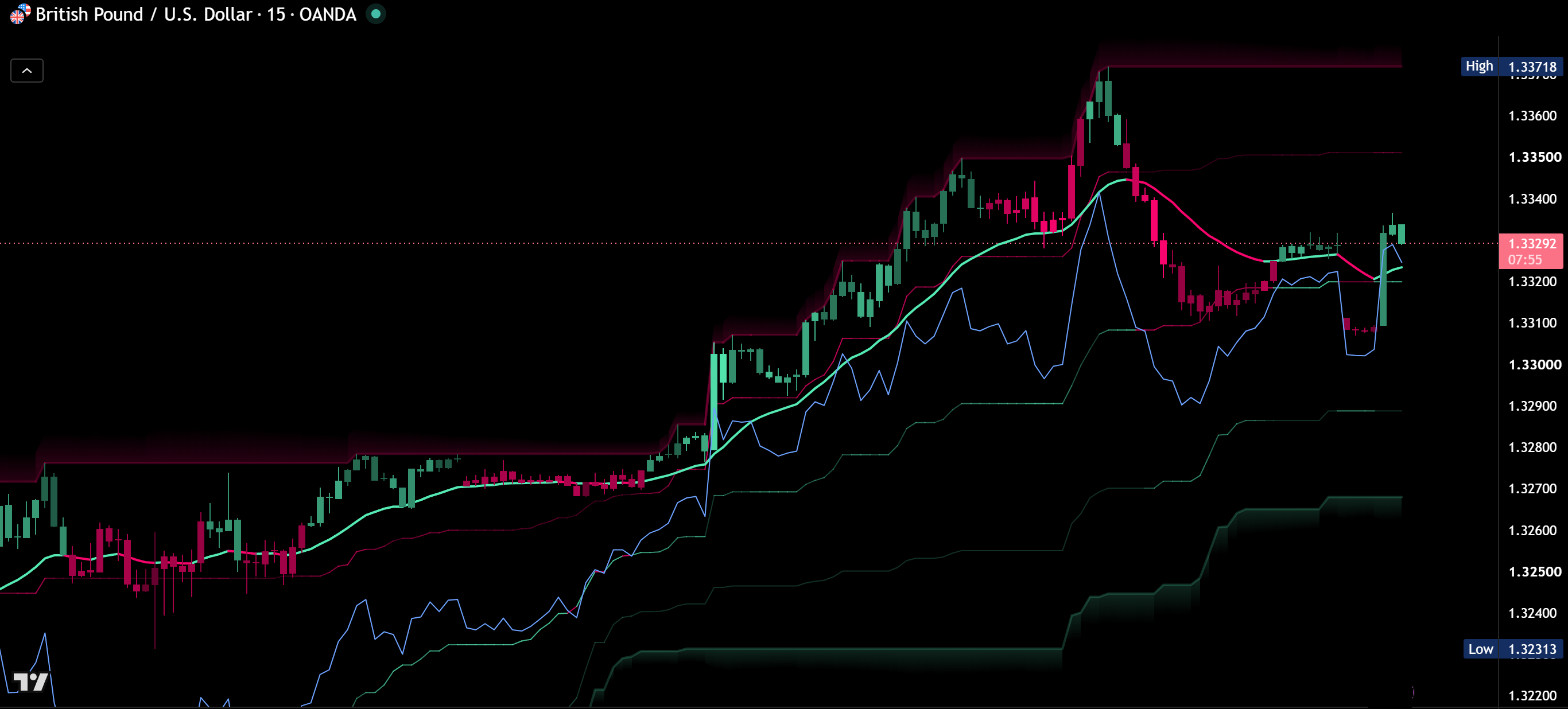
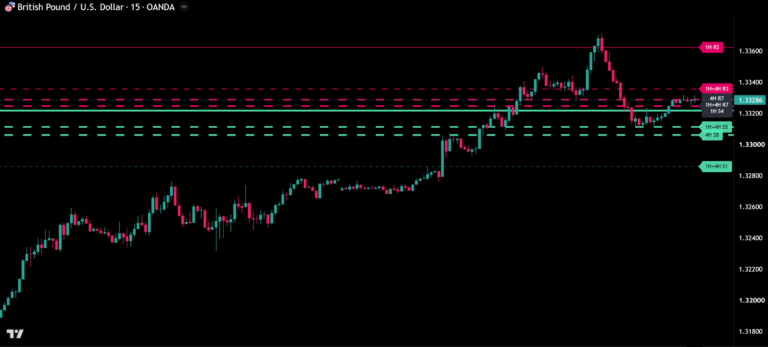
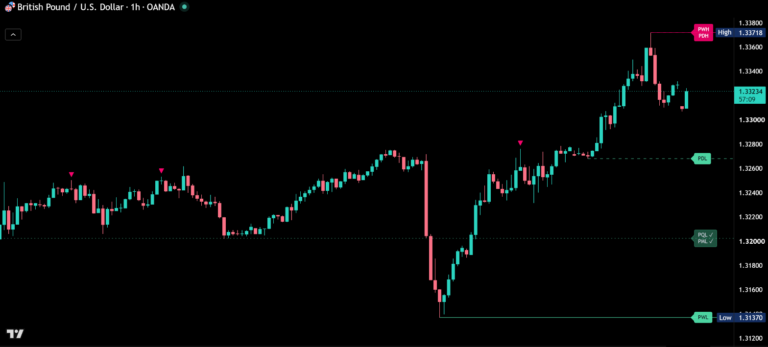
Before / after
Same chart. Now with AI Infinity.
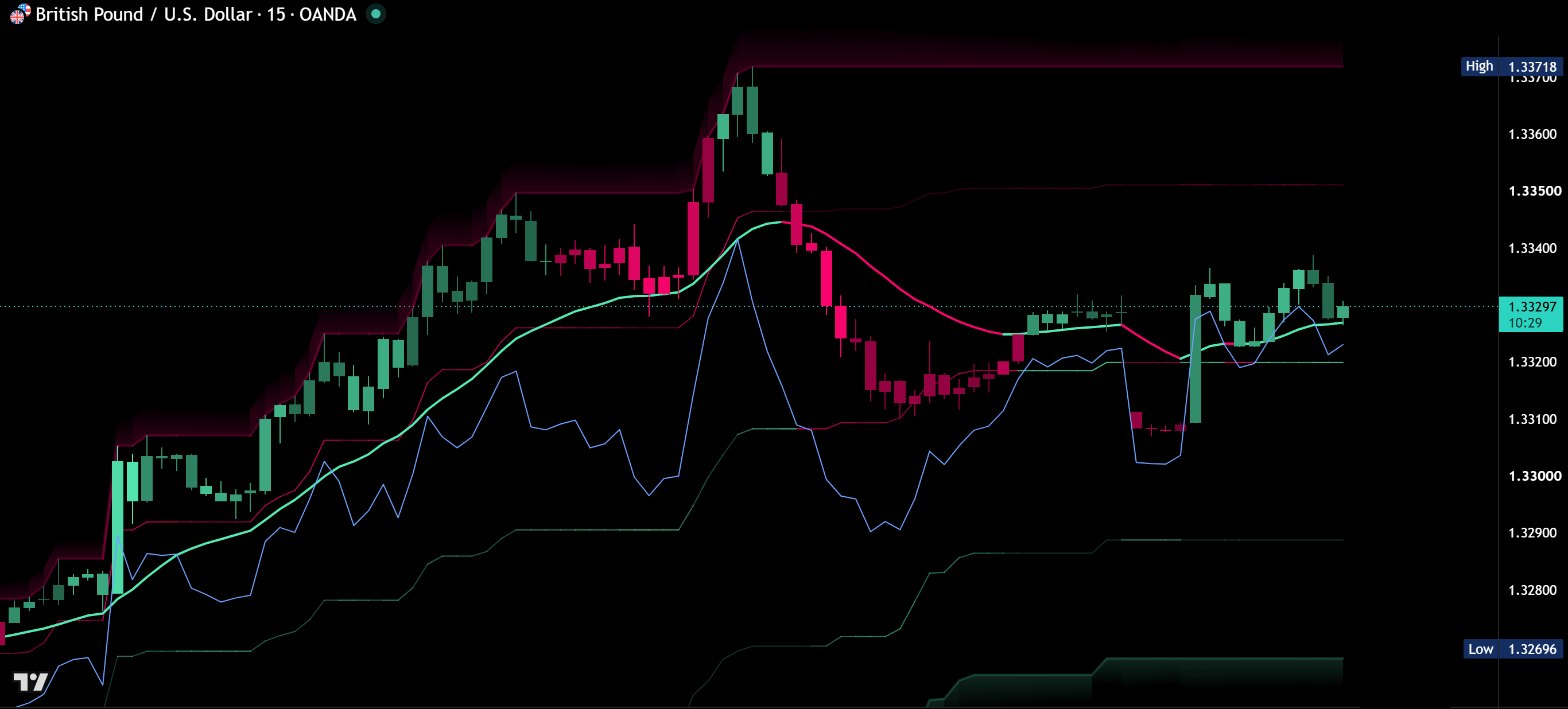
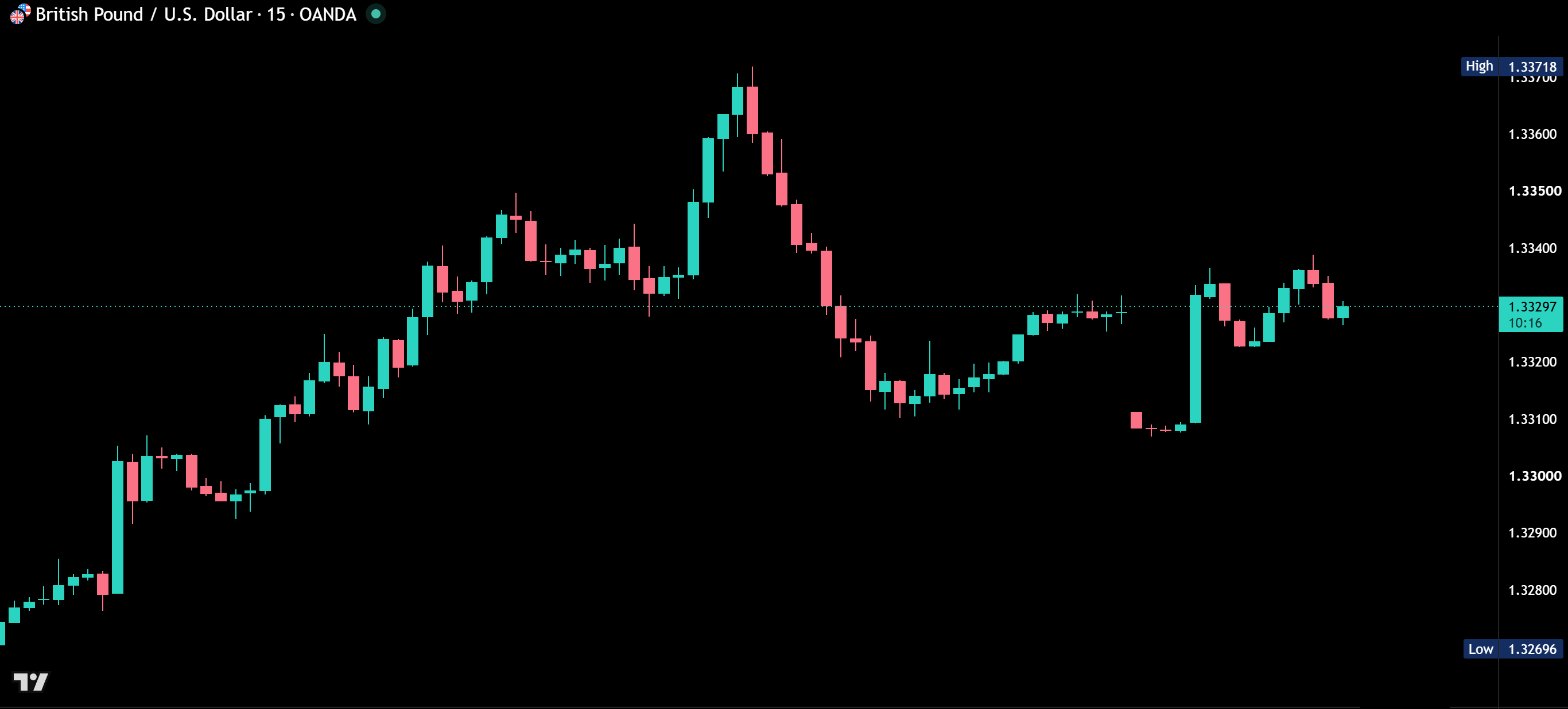
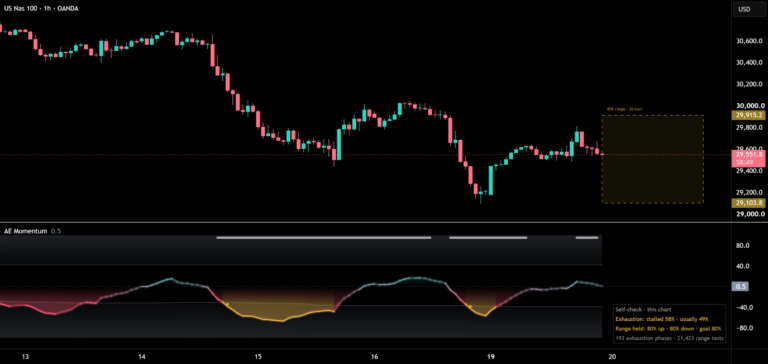
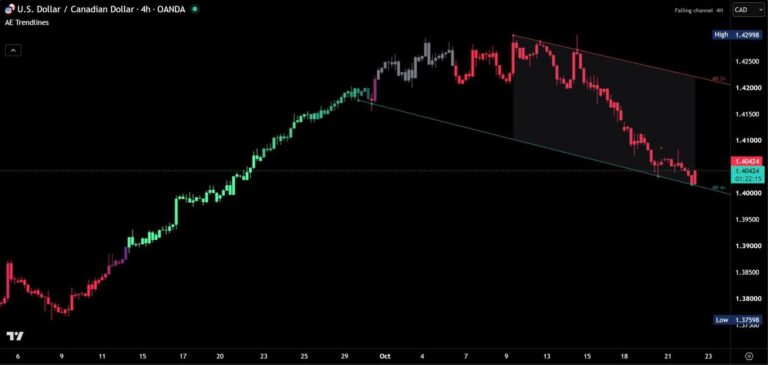
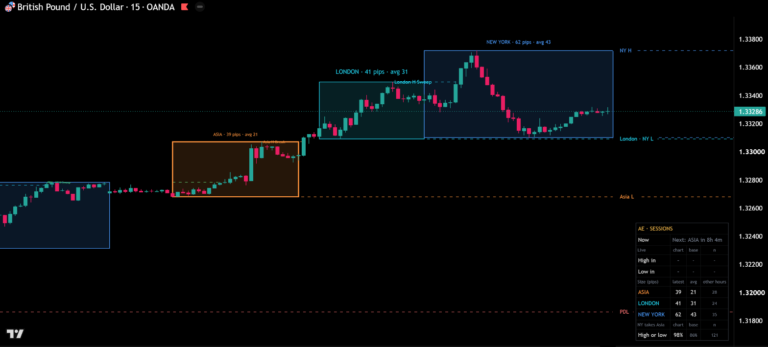
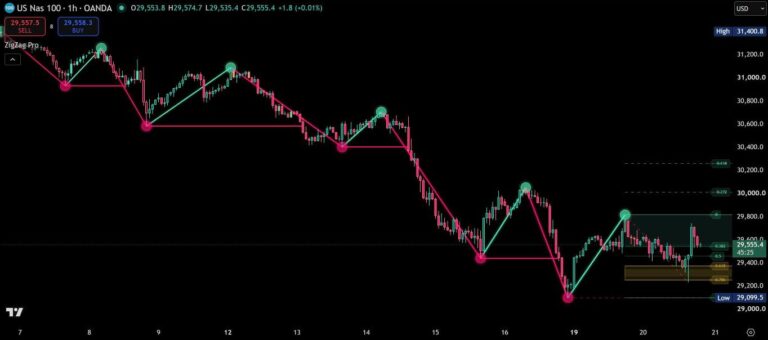
AI Infinity brings the tools traders check most into one indicator: momentum candles, the RSI right on the price chart, EMAs and the Alligator. AI stands for All-In-One. Everything shares one color language, mint for bullish and pink for bearish, so the chart reads at a glance instead of turning into a puzzle of separate panels.
The RSI on your price chart
The high-low range of the last 100 bars becomes the RSI scale: the range low is 0, the middle is 50, the range high is 100. The RSI line runs inside it, so you read momentum without opening a separate panel. The 20 and 80 levels light up as the RSI gets close, and the line turns pink above 80 and mint below 20.
Premium and discount at a glance
The same range shows the upper half (premium) and the lower half (discount) around the 50% equilibrium. A soft glow marks the range high and low, the edges where price tends to react.

Clean momentum candles
Candles are drawn in one solid color for body, wick and border, without outlines. Mint while the MACD is above its signal line, pink while it is below. The brighter the candle, the stronger the momentum. Strength is measured against the MACD’s own recent range, so one setting fits forex, indices, stocks and crypto.
Exhaustion warning
When the Stochastic is overbought in bullish momentum or oversold in bearish momentum, the candles dim. You see at once when a move may be running out of steam.

EMAs and Alligator
Add the 20 or 50 EMA, plus the 100 and 200, each mint while price closes above it and pink while price closes below it. Prefer Bill Williams? Switch on the classic Alligator with its lines shifted forward by 8, 5 and 3 bars.
Alerts on candle close
- Bullish or bearish MACD cross
- RSI above 80 or below 20
- RSI back below 80 or back above 20
With “Any alert() function call” you get one detailed message with the event, the RSI value and the price.
Your colors, your chart
The theme adapts to dark and light charts automatically, or you set your own colors. Settings are grouped in five sections with a tooltip for every option.
How to add AI Infinity
- Open AI Infinity on TradingView with the button below.
- Click Add to chart and add it to your favorites.
- Start with the default settings. Every option has a tooltip if you want to fine-tune.
Real reviews
What traders say about AI Infinity
No reviews yet. Are you using AI Infinity? Be the first to share your experience.
Write a review
Only real people: every review is confirmed by email and checked by hand before it appears.
Updates
Get notified about updates
One email when AI Infinity gets a new version – what changed and how to get it. Nothing else.