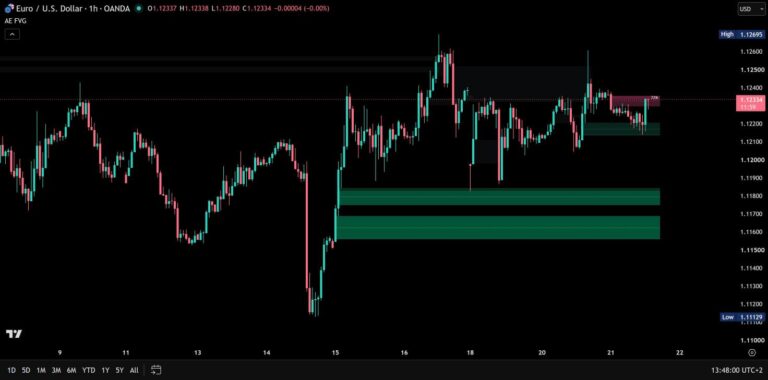
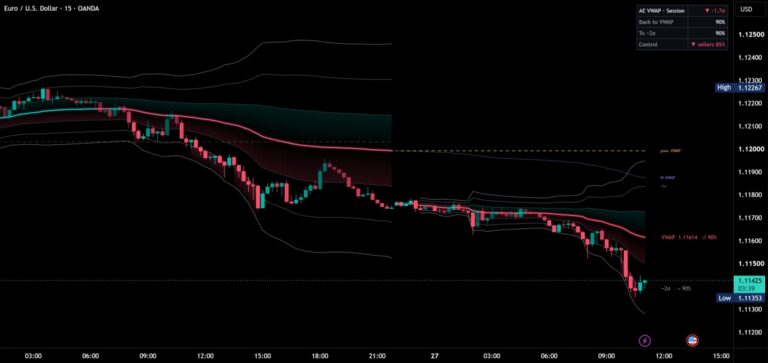
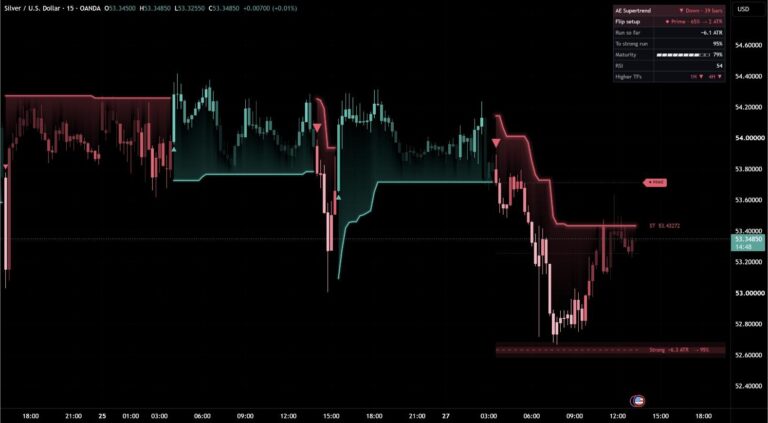
PremiumInvite-only
AE Break FVGs
Only the fair value gaps that broke structure – and how often price reacted at them on your chart, measured against random zones.
- 30 days free
- No payment details
- Nothing to cancel
Tested
Tested on 30 market and timeframe combinations
Forex, stock indices, gold, silver, oil and crypto on 15 minutes, 1 hour and 4 hours, all with default settings. 20 combinations were held out while the rules were designed.
- ahead of random zones of the same size and placement (95% interval: 5.0 to 9.2)
- +7.1 points
- held-out combinations where Break FVGs reacted more often than random zones
- 18 of 20
- design combinations ahead (45.9% against 40.0%)
- 9 of 10
- zones measured in the held-out test
- 8,798
Rounded values from the author’s tests. On your own chart, the dashboard measures the same rates live. Past results are no guarantee of future results.
Before / after
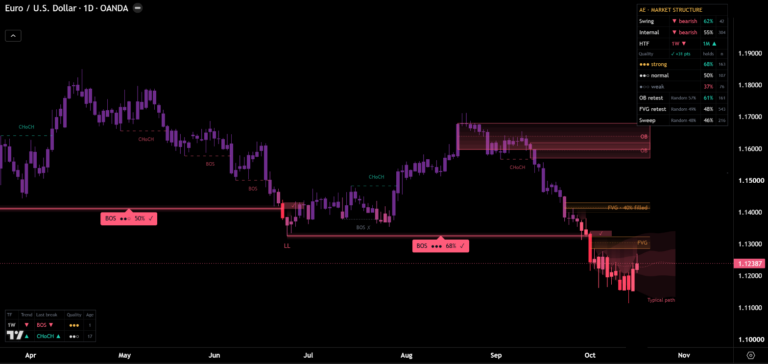
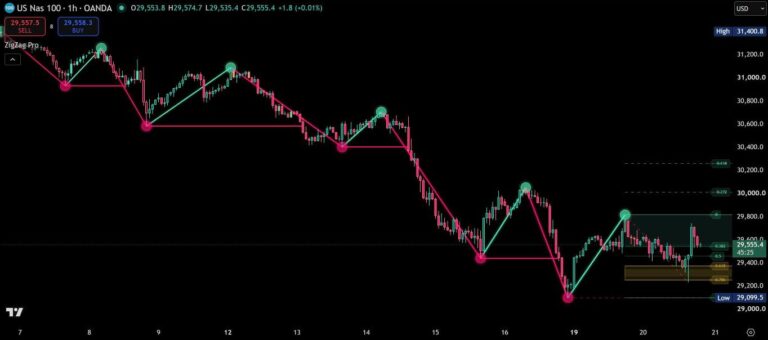
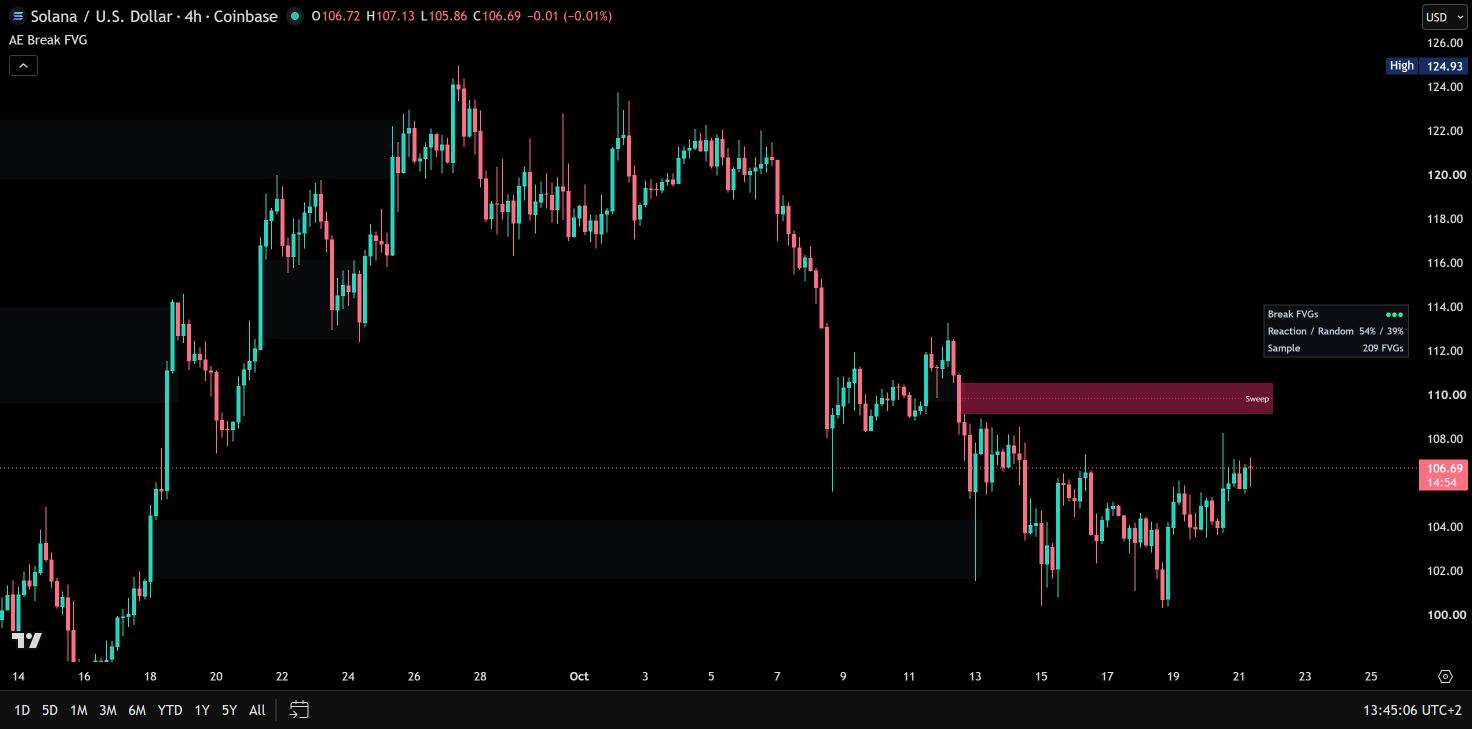
Same chart. Now with AE Break FVG.
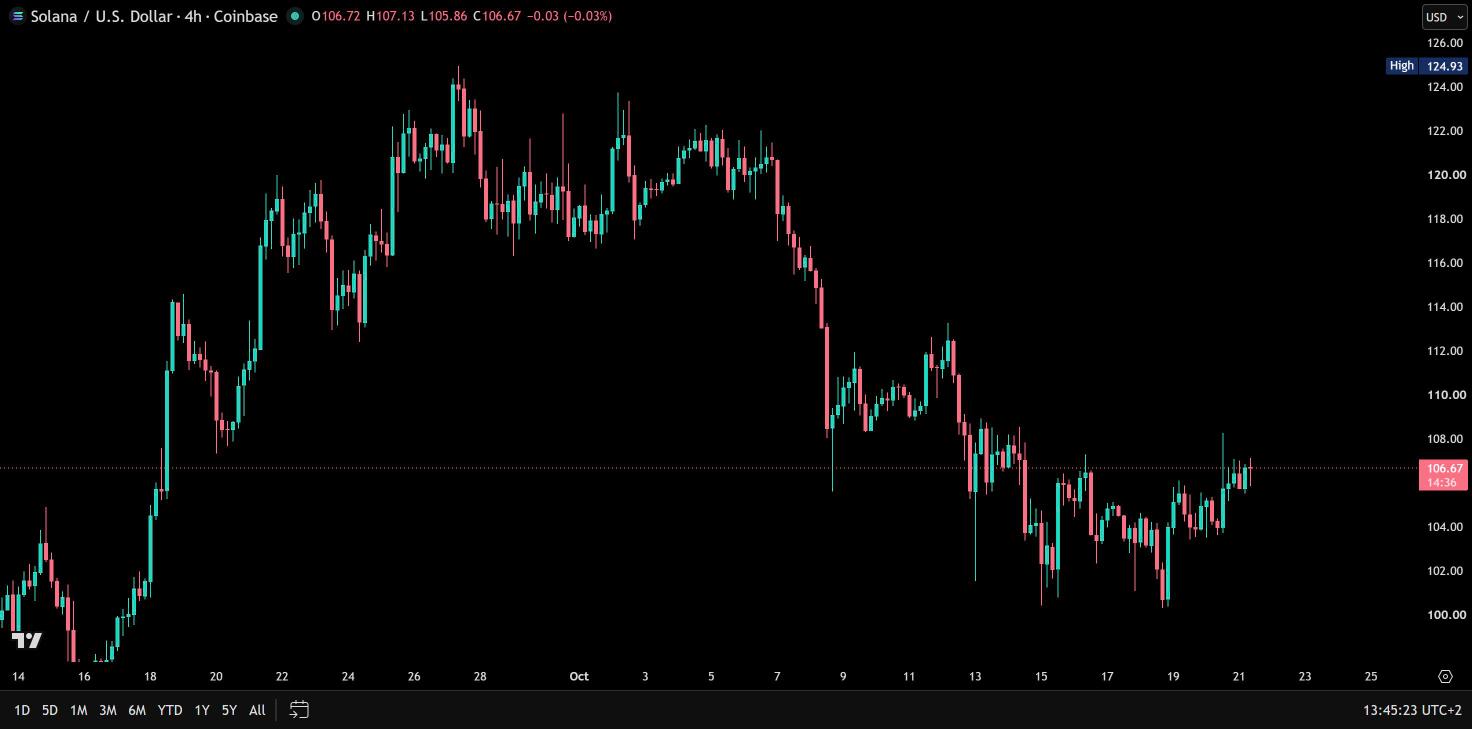
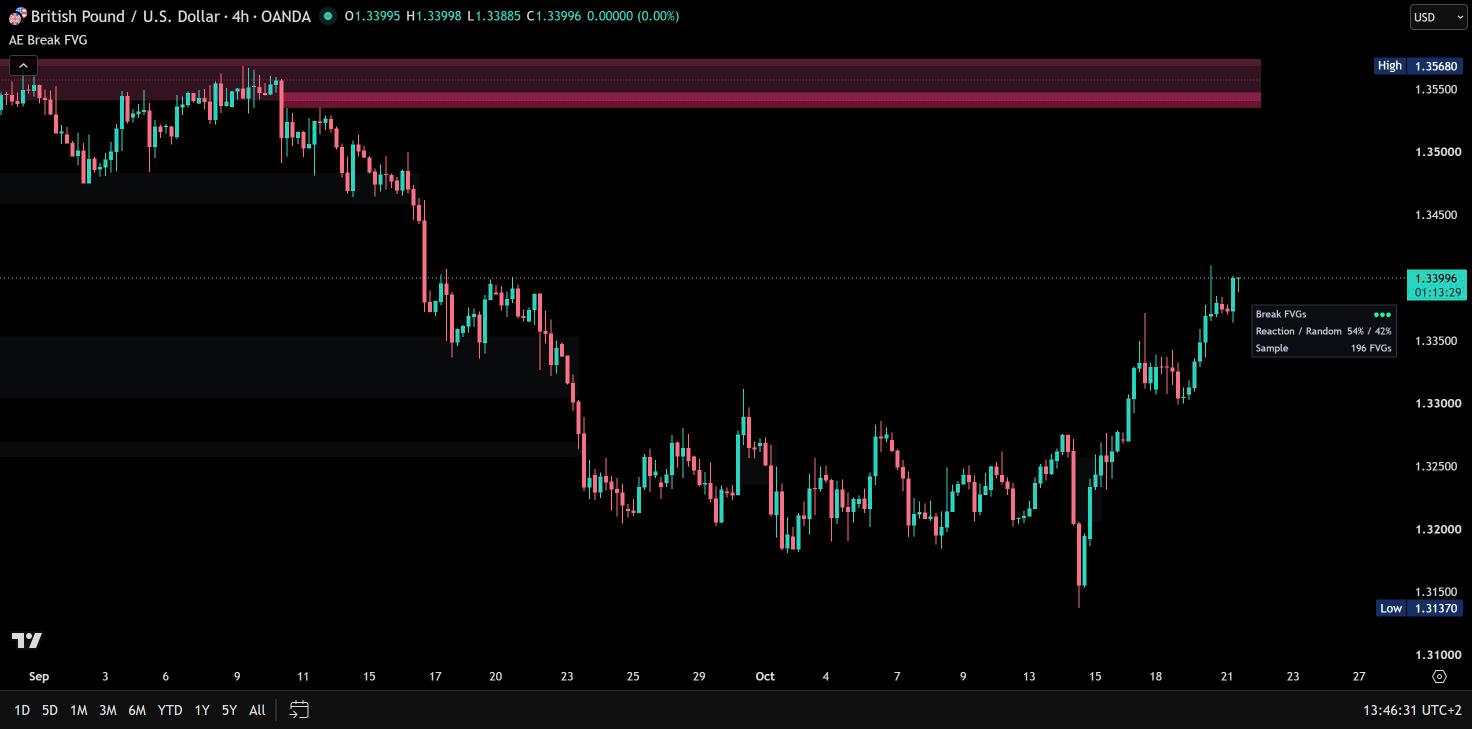
AE Break FVGs draws one kind of fair value gap only: the strong gaps that form while price breaks the last swing high or low. Small gaps and gaps without a break stay off the chart, so you see the few zones left behind by a move that actually broke structure. And it measures on your chart how often price has reacted at these zones – compared with random zones of the same size and placement that also form during a break. So you see not only where a Break FVG is, but what this kind of zone has been worth on the market in front of you.
Only the gaps that broke structure
A fair value gap is a three-candle imbalance: the third candle leaves a gap to the first one that price skipped on the way. AE Break FVGs keeps only the gaps on your chart that meet both conditions:
- Strong impulse – body and close of the middle candle and the size of the gap put it among the strongest 30% of the last 100 gaps on your chart. The threshold adapts to every market and timeframe.
- Break of structure – one of the three candles closes beyond the last swing high or low (5 candles on each side). Each swing can be broken once.
Bullish Break FVGs are green, bearish ones red. Every zone is drawn when its third candle has closed and never repaints.

Measured on your chart
Many FVG tools assume that gaps matter. AE Break FVGs measures it. It follows every Break FVG to its first touch and checks whether price then moved 1 ATR away before the gap was filled. Exactly the same test runs for random zones without a gap – same size, same placement, and only where price breaks a swing, like the Break FVGs themselves. So the comparison shows what a strong gap adds beyond the break. The result is shown as dots:
- ●●● – Break FVGs reacted clearly more often than random zones on this chart: by at least two standard errors and 5 percentage points
- ●●○ – more often, but not clearly yet
- ●○○ – not more often than random zones
The zones follow the result: with ●●● they are drawn stronger, with ●○○ fainter – so you see at a glance how much weight they deserve on your market. Hover the dashboard for the numbers behind the dots; they are also shown in the Data Window.
How much of the gap is still open
Once price trades into a zone, the part it has traded through fades and the open part stays bright – so you see at once how much room is left before the gap is filled. The dotted CE line marks the middle of every gap (consequent encroachment, 50%), and an optional label shows the fill in percent, on the nearest zone or on all zones.
A zone is filled as soon as a wick reaches its far edge – or, if you prefer, only when a candle closes beyond it. Filled zones turn grey and stay behind the open ones.

Sweep tag
Some breaks begin with a grab of liquidity on the other side. When price took out a 5-bar fractal on the opposite side – on the candle that completed the gap or up to 4 candles before – the zone carries the word Sweep, for example a bullish Break FVG right after the last fractal low was swept. So you see how the move began.
A clean chart
Only the open zones closest to price are drawn – by default 3 above and 3 below, up to 10 ATR away. All other open zones keep being tracked and appear as price comes closer, so the price scale stays tight. Zones near price are drawn stronger, and on intraday charts gaps that only exist because of a session open or a weekend are skipped. An optional session filter detects Break FVGs only inside your session and can let open zones expire at its end.
Results of the author’s tests
Tested with default settings on 30 market and timeframe combinations – forex, stock indices, gold, silver, oil and crypto on 15 minutes, 1 hour and 4 hours. 20 of them were held out while the rules were designed.
- Held-out test: Break FVGs reacted in 47.3% of 3,734 cases, random zones of the same size and placement in 40.3% of 5,064 cases – 7.1 percentage points ahead, with a 95% confidence interval of 5.0 to 9.2 points.
- Consistent: Break FVGs came out ahead on 18 of the 20 held-out combinations.
- Design stage: 45.9% against 40.0% on the other 10 combinations, ahead on 9 of them.
- No repainting: zones, measurement and alerts checked candle by candle in Bar Replay.
On your own chart, the dashboard runs the same measurement live.
Repainting
Zones, swing points, breaks, sweeps, the measurement and alerts are based on closed candles. Swing points are confirmed 5 candles after they form, like every pivot, and a Break FVG appears when its third candle has closed. While a candle is still open, a zone it has traded through is shown as fully mitigated until the candle closes. Checked candle by candle in Bar Replay and on live charts from 1 minute to 1 month.
Alerts
Switch on the alerts you want in the Alerts section, then create one alert with the condition “AE Break FVG” and “Any alert() function call”. Available: new Break FVG, first touch, CE (50%) reached and filled – each message names the direction and the prices of the zone. All alerts fire once per closed candle, and the four events are also available as separate alert conditions.
Settings guide
The menu has five groups. You don’t need to change anything to start – the defaults are the setup the tests ran with.
Quick setups
- Phone: Measured Quality → Dashboard Compact.
- Fill in percent: Style → Fill % Label Nearest Zone.
- More zones on the chart: Style → Zones Shown Per Side.
- Only your session: Session → Session Filter, optionally with Expire Zones At Session End.
- Filled only on a close: Detection → Filled When Close Through.
Section by section
Open a section for its main settings. Many settings also explain themselves behind the ⓘ icon in TradingView.
01 · Detection
Filled When: Wick Through (default) or Close Through, and Mark Liquidity Sweeps (on by default).
02 · Session
Session Filter with session and time zone (exchange or one of 9 time zones) and Expire Zones At Session End – intraday charts only.
03 · Style
Zone Look Soft, Balanced or Focused, colours for bullish, bearish and filled zones on dark and light charts – the set that matches your chart background is used automatically – CE line, Fill % Label, Highlight Zones Near Price, Zones Shown Per Side (default 3) and Max Filled Zones (default 10).
04 · Measured Quality
Dashboard Off, Compact or Detailed (default) and its position on the chart. Hover any line for a short explanation.
05 · Alerts
New Break FVG, First Touch, CE Reached and Filled – the content of the “Any alert() function call” alert, sent once per closed candle.
Fixed, tested values
Gaps smaller than 0.10 ATR are ignored, gaps that exist only because of a session open or a weekend are skipped on intraday charts, zones within 0.5 ATR count as near price, open zones more than 10 ATR away are not drawn, up to 40 open zones are tracked and the measurement uses the last 10,000 candles.
Markets and timeframes
Works on forex, indices, stocks, metals, energy and crypto, from 1 minute to the monthly chart. Tested with default settings on 30 market and timeframe combinations from 15 minutes to 4 hours, and checked candle by candle in Bar Replay. AE Break FVGs works on its own and combines naturally with AE Market Structure – the structure gives the direction, the Break FVGs show where a break left a gap.
Tips for the best results
- Start with the dots: where the dashboard shows ●●●, Break FVGs have earned the most weight on your market.
- Watch the bright part: the open part of a gap is the room price has not traded yet.
- Use the CE line as the reference inside a zone.
- Look for Sweep: the break came right after liquidity on the other side was taken.
- Combine it with AE Market Structure: direction from the structure, zones from the Break FVGs.
- On a phone, switch the dashboard to Compact so the chart keeps more room.
Every number is measured on the chart you are looking at – so you see which gaps really matter on your market.
Real reviews
What traders say about AE Break FVG
No reviews yet. Are you using AE Break FVG? Be the first to share your experience.
Write a review
Only real people: every review is confirmed by email and checked by hand before it appears.
Changelog
What changed in each version.
v1.1
Cleaner settings: five groups instead of seven (24 instead of 31 settings). Zones Shown Per Side, Max Filled Zones and Highlight Zones Near Price now sit in Style, the session settings are only active with the Session Filter on, and gap size, distances, limits and history run on the tested values.
v1.0
First release: Break FVGs from strong gaps with a break of structure, self-check against random zones with quality dots, open and mitigated part with CE line and fill %, Sweep tag, session filter, dashboard and alerts.
Updates
Get notified about updates
One email when AE Break FVGs gets a new version – what changed and how to get it. Nothing else.