Early AccessPremium indicators free for 30 days

See the structure behind every move.

Indicators that map market structure, support & resistance zones and trading sessions on your TradingView chart. Non-repainting and calculated from real price data – clear context at a glance.

Free trial
30 days
Traders use them
10
Boosts on TradingView
4,200+
Script views
84,000+
Forex market hours, live Market hours

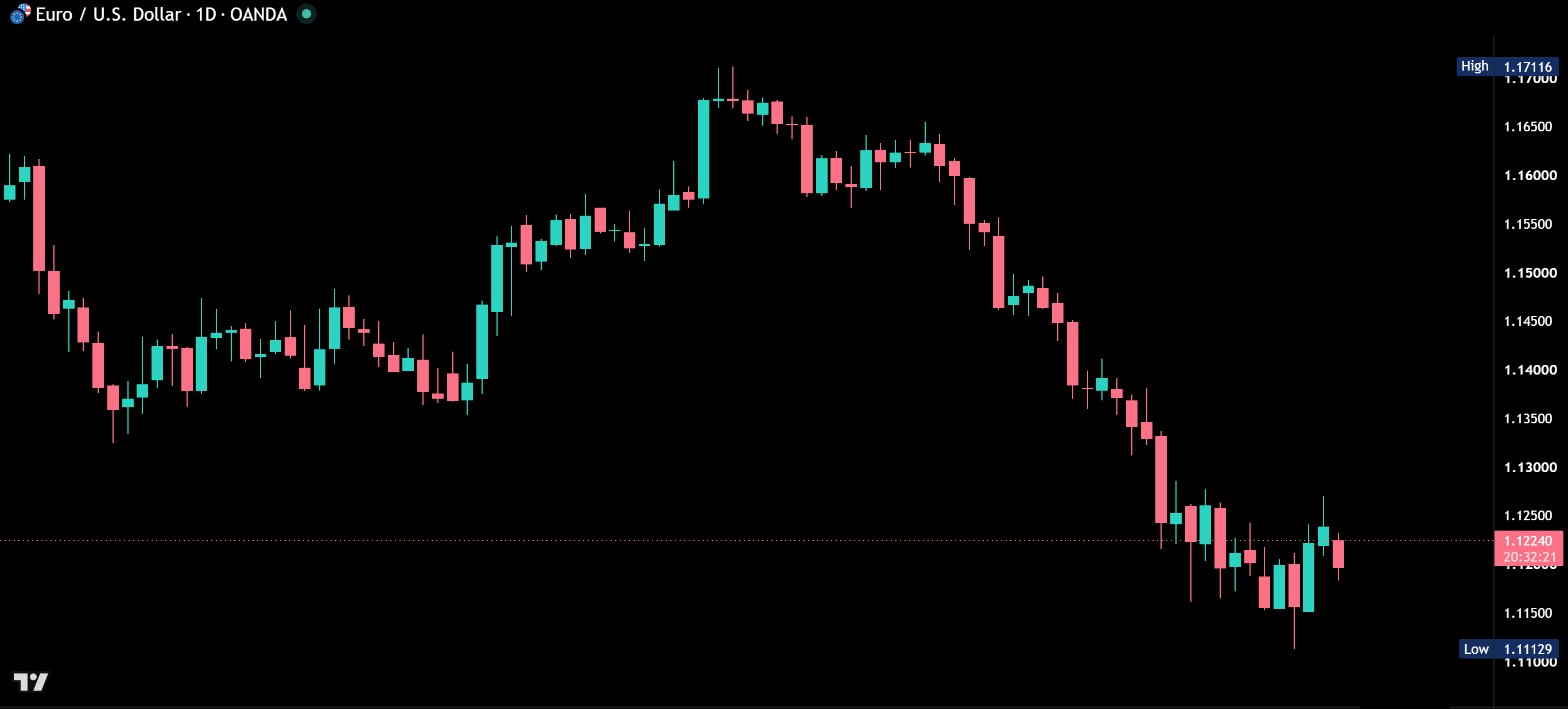
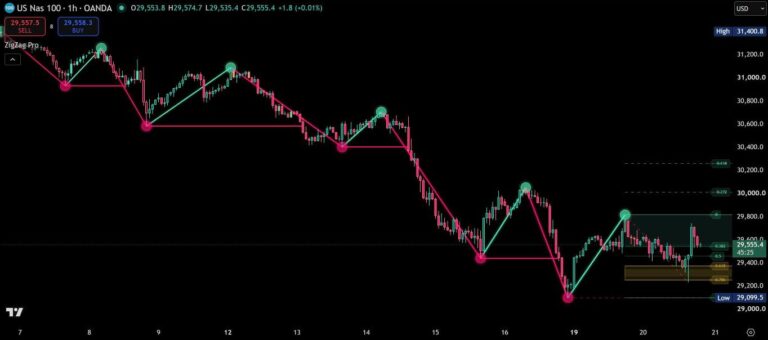
Real TradingView chart. Drag the handle.
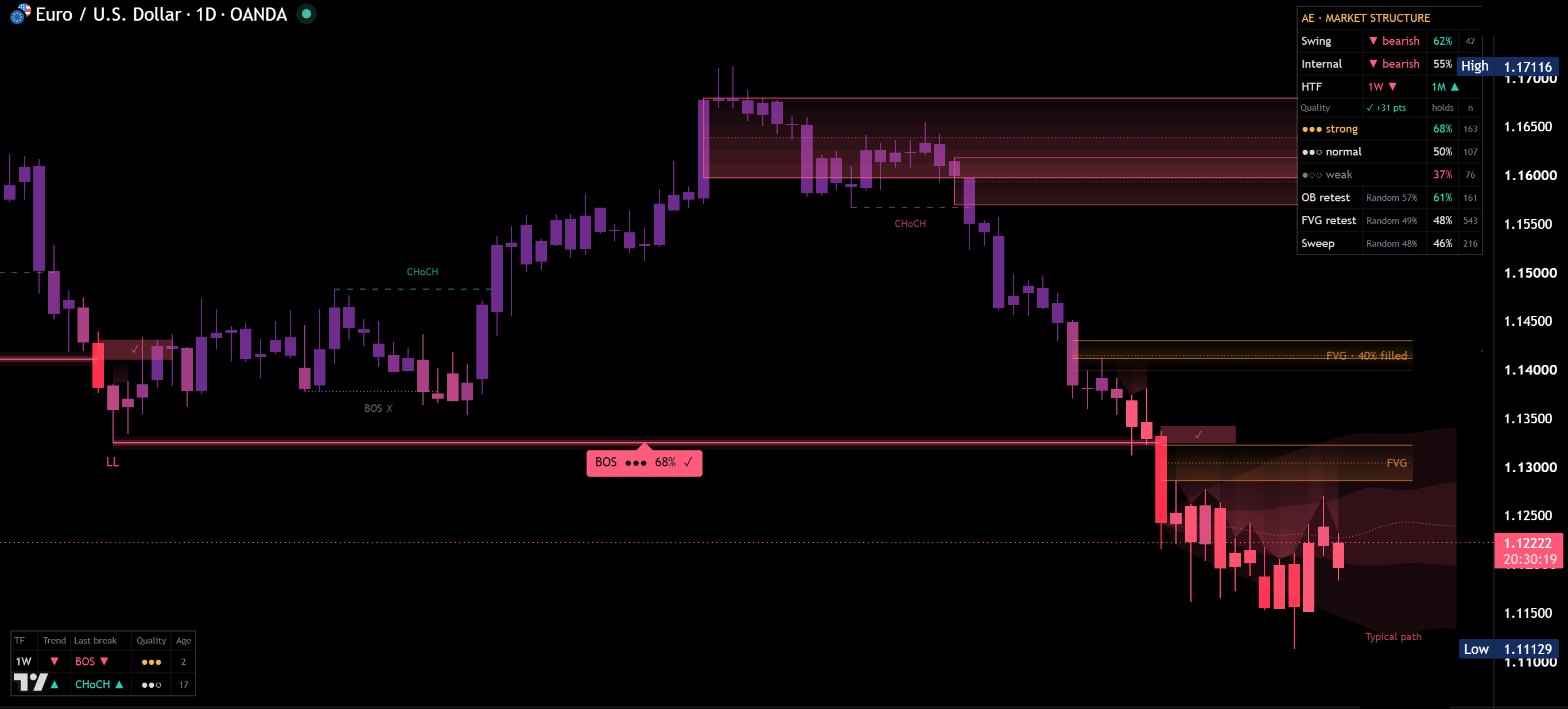
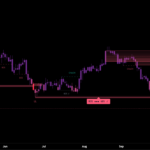
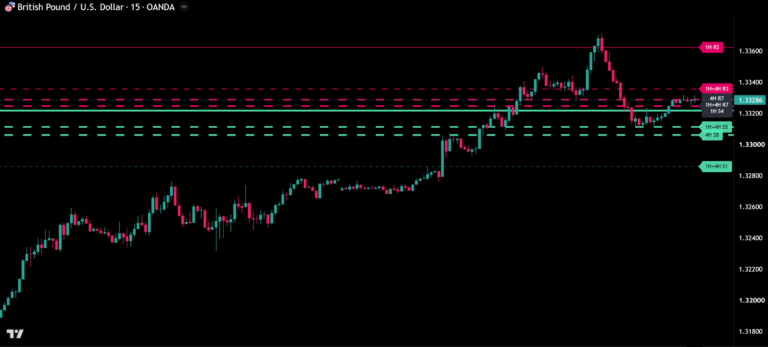
TradingView chart with AE Market Structure
The same TradingView chart without AE Market Structure
Without indicator With AE Structure
Drag the handle: left without, right with the indicator.

About AE Market Structure

Two ways in

Choose how you start

The toolkit

Built for reading price, not for guessing it.

Each indicator does one job and shows its work on the chart. All of them are included in the free trial.

PremiumAE Structure

AE Market Structure

BOS and CHoCH with a quality score and a hold chance for every break – measured on your own chart.

How often breaks held, by quality
  • Strong≈70%
  • Normal≈53%
  • Weak≈44%

See the test results

  • Internal and swing structure with BOS, CHoCH and HH / HL / LH / LL, drawn the moment a break happens
  • Every break graded strong ●●●, normal ●●○ or weak ●○○ – with the reasons in plain words on hover
  • Each break followed until it holds ✓ or fails ✗, turned into live hold rates for your chart
Bar Replay

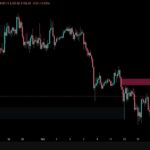
PremiumAE Break FVG

AE Break FVGs

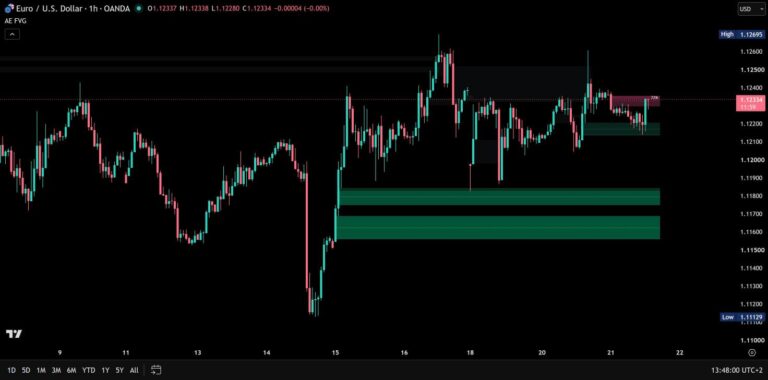
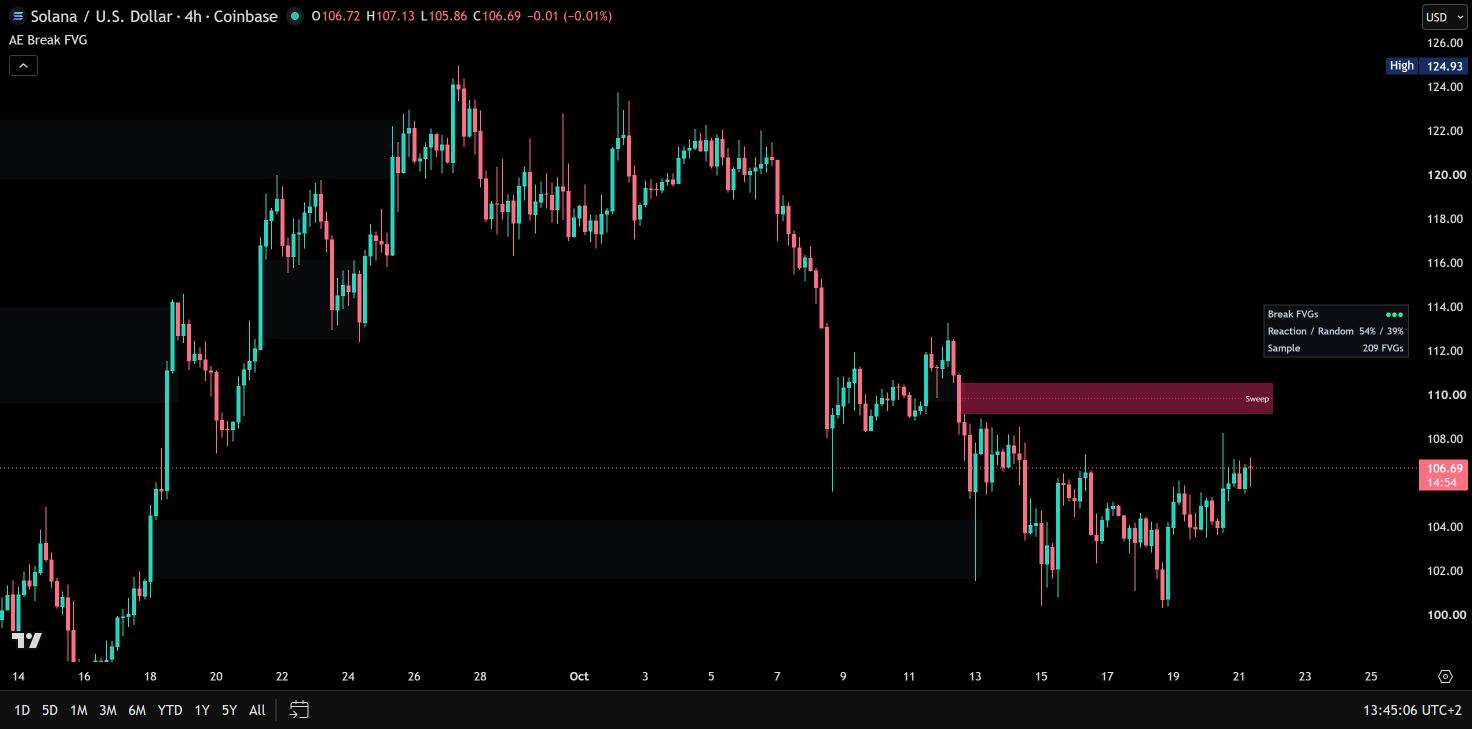
Only the fair value gaps that broke structure – and how often price reacted at them on your chart, measured against random zones.
Reaction rate on the 20 held-out combinations – 8,798 measured zones
  • Break FVGs≈47%
  • Random zones≈40%

See the test results

  • Only strong fair value gaps that form while price breaks the last swing high or low – all other gaps stay off the chart
  • Measured on your chart: reactions at Break FVGs next to random zones of the same size and placement, shown as ●●●, ●●○ or ●○○
  • Zones follow the result: stronger with ●●●, fainter with ●○○
AE Break FVGs on a TradingView chart

PremiumAE Converge

AE Converge

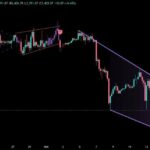
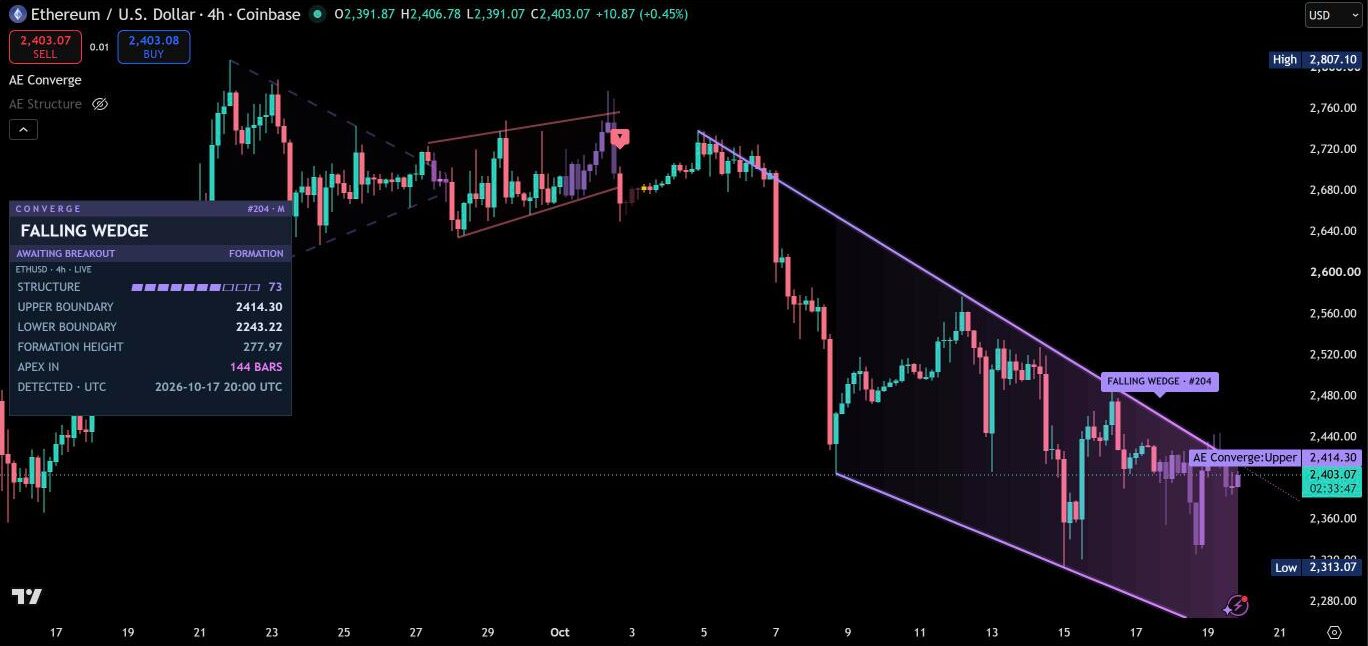
Triangles and wedges from confirmed swings – live boundaries before the breakout, measured move and failed breakouts after it.
How far confirmed breakouts travelled
  • 50% projection reached≈57%
  • Measured move reached≈39%

See the test results

  • Ascending, descending and symmetrical triangles plus rising and falling wedges, found on three swing scales at once
  • A structure score from 0 to 100 for every formation – boundary fit, swings, compression and containment
  • Live view before the breakout: both boundaries on the price scale, formation height and candles until the apex
AE Converge on a TradingView chart

PremiumAE Regime

AE Market Regime

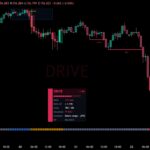
The energy cycle of every market: which phase it is in right now and how far price is likely to travel in the next 20 candles – measured on your own chart.

How often the next 20 candles did what the phase said – average of all four phases, confirmation set
  • After the phase≈76%
  • After any candle≈50%

See the test results

  • Five phases – Coil, Ignition, Drive, Cooling and Balance – with energy measured against the same time of day
  • Expected range cone for the next 20 candles, learned per phase on your chart, with inner layers and price labels for the full 80% range
  • Session gates inside the cone: where Tokyo, London and New York open, in their own local time all year
Bar Replay

PremiumAE Momentum

AE Momentum

Momentum, exhaustion and the range price is likely to travel in the next 20 candles – measured on your own chart.

How often price stalled within 20 candles, stock indices
  • After exhaustion≈58%
  • All candles≈50%

See the test results

  • Momentum line and area in teal and red – stronger momentum, stronger colour, fading when it loses strength
  • Adaptive extreme zones from each market’s own last 500 candles, plus a volatility strip for high and low volatility
  • Exhaustion: amber with a dot when momentum is stretched during high volatility – highlighted on stock indices, stocks and index futures, where tests confirmed it
Bar Replay

PremiumAE Trendlines

AE Trendlines

Automatic trendlines from three timeframes – with touch points, chart patterns, trend candles, breaks and retests.
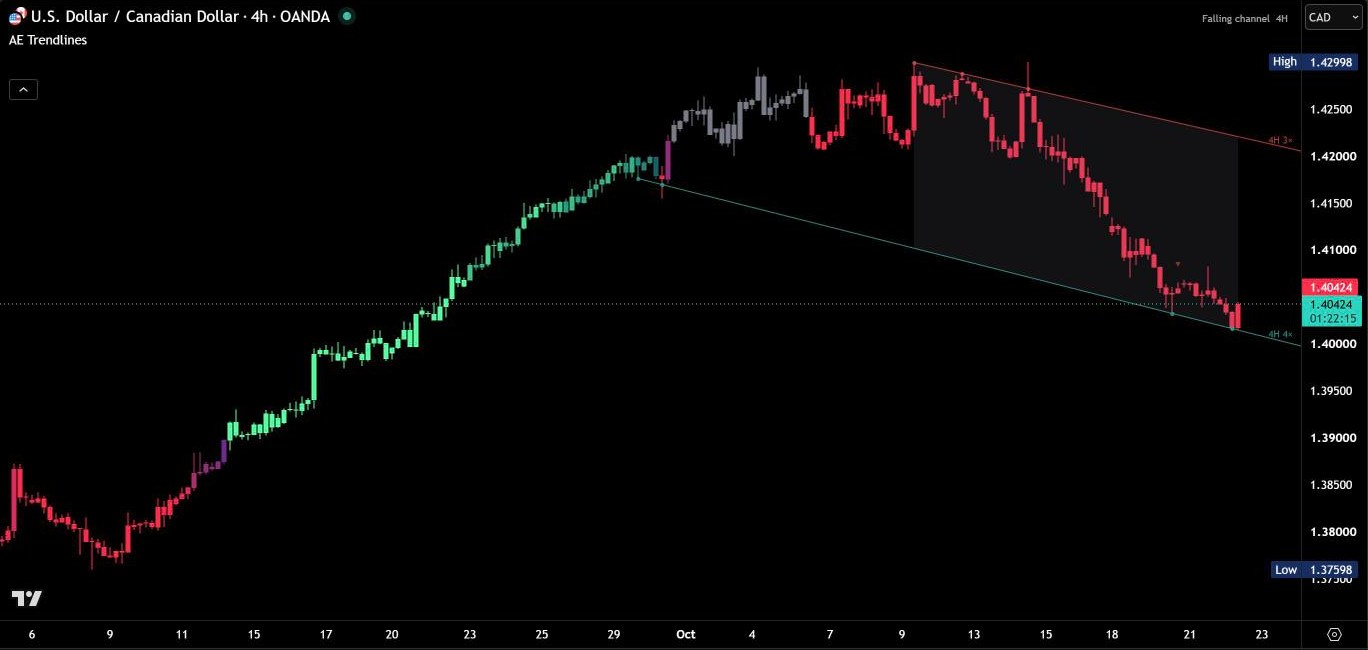
  • Automatic trendlines for your chart timeframe and the two next higher timeframes
  • Built from confirmed pivots on closed candles – a line appears only once its anchors are confirmed
  • Scored from 0 to 100 the way traders rate a line: long, often-tested lines rank highest
  • Touch points on every line and the number of touches on its label
  • Chart patterns named automatically – triangles, wedges and channels, with a shaded area
AE Trendlines on a TradingView chart

PremiumAE Profile

AE Volume Profile

Volume profiles that measure which levels have held on your chart – and how likely price reaches each one before the period ends.
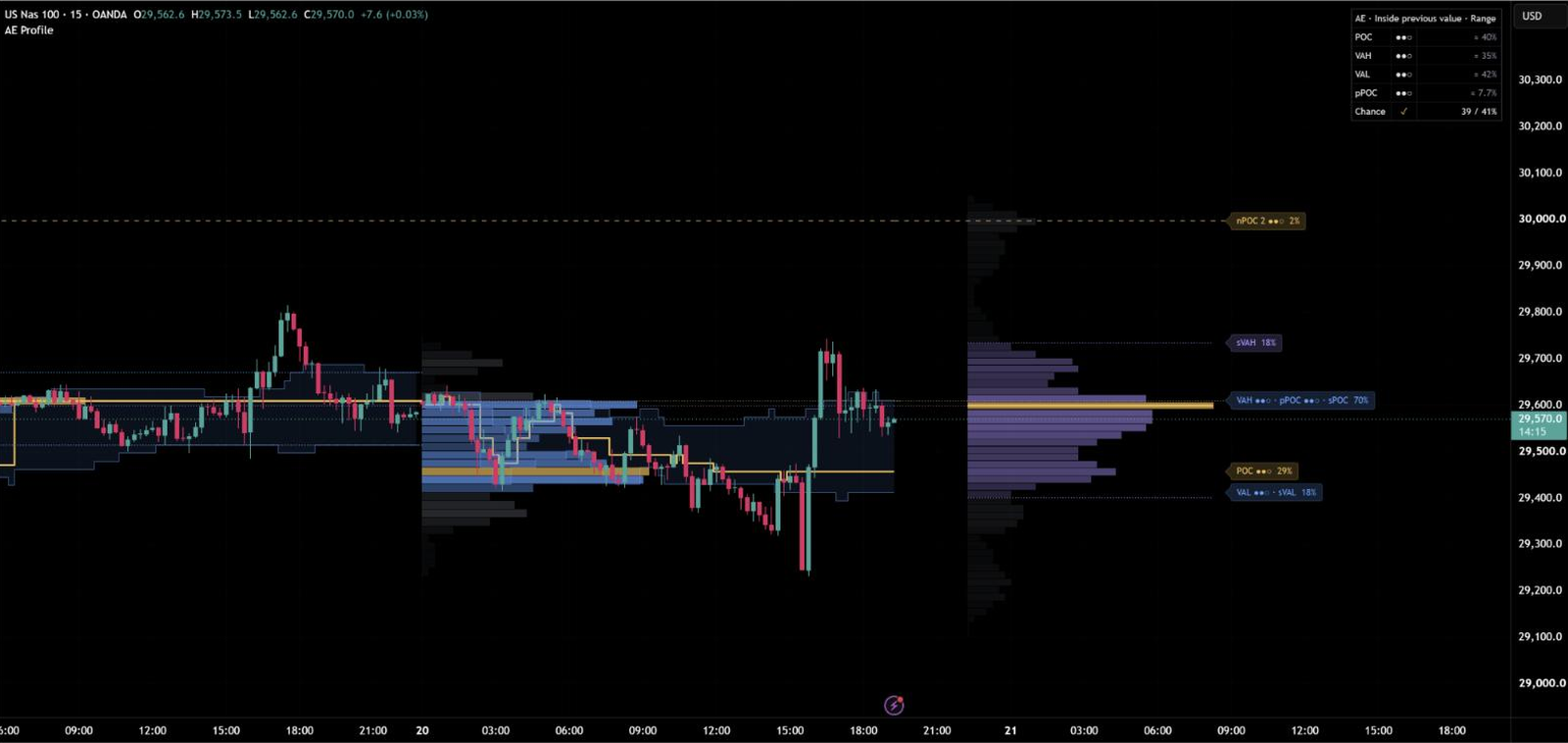
Chance to reach – stated and came true, 40,111 checks
  • Stated chance≈35%
  • Came true≈34%

See the test results

  • Session, week, month or quarter profiles with POC, value area and developing levels – Auto picks the period for your timeframe
  • Level quality: POC, VAH and VAL tested against nearby prices on your chart and shown as ●●●, ●●○ or ●○○ – lines and tags follow the result
  • Chance to reach on every level: how often price got that far before the period ended – realistic targets at a glance
AE Volume Profile on a TradingView chart

Free vs Premium

Free shows the structure. Premium shows which breaks hold.

The free indicators help you read the chart. AE Market Structure goes further: it grades every break, follows it to the end and measures on your own chart how often breaks like it have held.

Free on TradingView

Free

Open to everyone on TradingView

Not in the free indicators

  • Quality score for every break
  • Every break followed to the end
  • Hold chance for every break
  • Hold rates from your own chart
  • Typical path after a break
  • Premium / discount

Read the chart: structure, levels, trend and sessions.

See the free indicators

PremiumAE Market Structure

30 days free

No payment details · Nothing to cancel

7features only in Premium+ 4 that go further than the free tools

  • Quality score for every break
  • Every break followed to the end
  • Hold chance for every break
  • Hold rates from your own chart
  • Typical path after a break
  • Premium / discount
How often breaks held, by quality
  • Strong≈70%
  • Normal≈53%
  • Weak≈44%

Start free trial About AE Structure

Free indicators compared with AE Market Structure
Feature Free Premium
Market structure Partly Swings and breakouts (ZigZag Pro) Included BOS and CHoCH, internal and swing, HH / HL / LH / LL
Quality score for every break Not included Not included Included Strong ●●●, normal ●●○ or weak ●○○ – with the reasons on hover
Every break followed to the end Not included Not included Included ✓ held or ✗ failed, marked the moment it happens
Hold chance for every break Not included Not included Included From your own chart's history, checked live by the dashboard
Hold rates from your own chart Not included Not included Included Live for every quality tier
Typical path after a break Not included Not included Included Where comparable breaks went in the next 20 candles
Order blocks and fair value gaps Partly Order blocks with HTF zones and wear labels (Order Blocks) Included With 50% line and live fill level
Premium / discount Not included Not included Included Last 100 candles or the 4H dealing range, with alerts
Liquidity Partly Sweeps of session and day to quarter highs / lows (AE Sessions, MTF Liquidity) Included Equal highs / lows (EQH / EQL) and sweeps
Measured against chance Not included Not included Included Random baseline for order blocks, FVGs and sweeps
Higher timeframes Partly Two timeframes (S&R Lines), HTF filter (Catalyst Trend), HTF zones (Order Blocks) Included Matrix for up to five higher timeframes
Alerts Included On every free indicator Included Filtered by minimum break quality
Non-repainting, Pine Script v6, automatic updates Included Included Included Included

Try AE Market Structure 30 days free – no payment details.

Start free trial

Why Albrecht Edge

Built for traders who read the chart

Every indicator is built to the same standard before it goes live.

  • Non-repainting

    Once a bar has closed, everything the indicator drew on it stays exactly where it is.

  • Measured on your chart

    Every value is calculated from the real price data of the chart you are looking at.

  • Tested across markets

    Each release is checked on forex, indices, gold, crypto and stocks across several timeframes.

  • Updates included

    New versions reach your chart automatically on TradingView – nothing to reinstall.

Early Access

Albrecht Edge is growing – and you are in from the start.

Albrecht Edge builds indicators that show what is really happening on the chart. Right now you use them free for 30 days – and your feedback helps shape what comes next.

  • All premium indicators for 30 days
  • Your feedback goes straight into development
  • First to know what comes next
7
Premium indicators
13
Free indicators
13
Guides
13
Glossary terms
35
Chart challenges
18
Chapters TradingView guide

Recently improved

  1. AE EMA v1.1

    New Mini dashboard for phones and a new Auto position that keeps the dashboard clear of the newest candles.

  2. AE VWAP v1.2

    New Mini dashboard for phones and a new Auto position that keeps the dashboard clear of the newest candles.

  3. AE VWAP v1.1

    Candle colors are now drawn in front of the chart’s own candles, so the shading by distance from the VWAP is visible on every chart.

  4. AE VWAP v1.0

    First release.

Start free trial

Free trial

How the free trial works

  1. Request access

    Enter your TradingView username and email. No payment details.

  2. Confirm your email

    Click the link we send you. It is valid for 48 hours.

  3. Get added on TradingView

    We add your username to the invite-only indicators by hand and email you when it is done.

  4. Use them for 30 days

    Your access ends after 30 days. There is nothing to cancel.

And after the trial?

  • +1 month Shortly before the end, answer a few short questions and test one month longer.
  • Front row One click and you are the first to know what comes next.
  • Keep going for free Our 13 free indicators stay open to you on TradingView.

Where to find the indicators afterwards: step-by-step guide with screenshots

Start free trial

Free

Free on TradingView

Open to everyone, no trial needed. All scripts on TradingView
FAQ

Questions

What does Early Access mean?

Albrecht Edge is growing, and you are in from the start: you test the premium indicators for free, your feedback shapes the next versions, and new indicators keep coming.

Where do I find the indicators once I am added?

Open a chart on TradingView, click "Indicators" and choose "Invite-only" on the left. Step-by-step with screenshots

Do I need a paid TradingView plan?

No. Invite-only scripts work on every TradingView plan, including the free one. If you want to upgrade later: through our partner links to TradingView you get a 15 USD coupon for your next subscription.

How long until I get access?

We add every username by hand on TradingView. As soon as it is done, you get an email.

What happens after 30 days?

Your trial simply ends. Nothing is charged and there is nothing to cancel. Shortly before the end you can answer a short survey and test one month longer. With one click in our email you save your front-row seat and are the first to know what comes next. Our 13 free indicators stay open to you on TradingView.

Why is the trial free?

Because the indicators should prove themselves on your own charts before you decide anything. No payment details, no subscription, nothing to cancel. In Early Access your feedback goes straight into development.

How do I use the indicators in my trading?

They mark structure, breaks, zones and sessions right on your chart, so you read the market faster and plan your trades with more context. They fit into any strategy.

Do the indicators repaint?

No. Once a bar has closed, what an indicator has drawn on it stays as it is.

Which markets and timeframes do they work on?

Each release is tested on forex, indices, gold, crypto and stocks across several timeframes. Every indicator page shows what it is built for.

Can I test more than once?

Each TradingView account and email address can use the free trial once.

Why do you need my TradingView username?

TradingView grants access to invite-only scripts per username. We use it only for that, and your email only for messages about your trial.

Are there free indicators?

Yes. 13 indicators are free and open to everyone on TradingView – no trial needed.
Put them on your own charts.

  • 30 days free
  • No payment details
  • Nothing to cancel
Start free trial