MTF Liquidity
Multi-Timeframe Liquidity Levels
See where the liquidity sits and when it gets taken, from the daily to the quarterly chart.
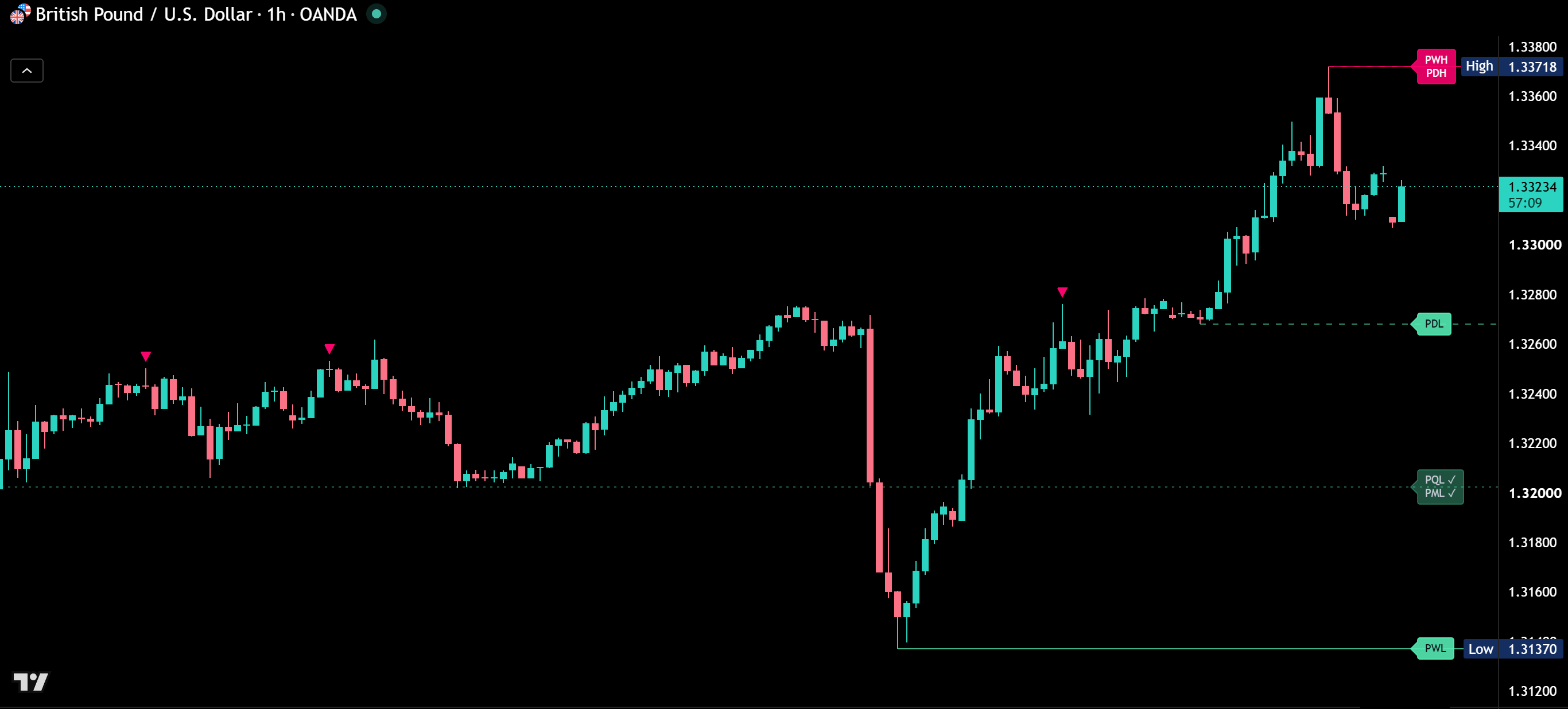
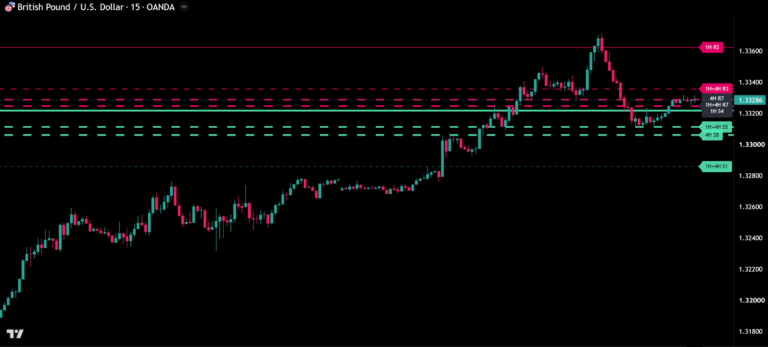
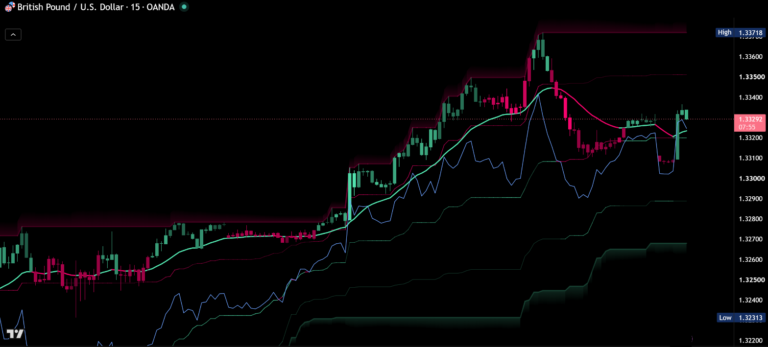
Before / after
Same chart. Now with MTF Liquidity.
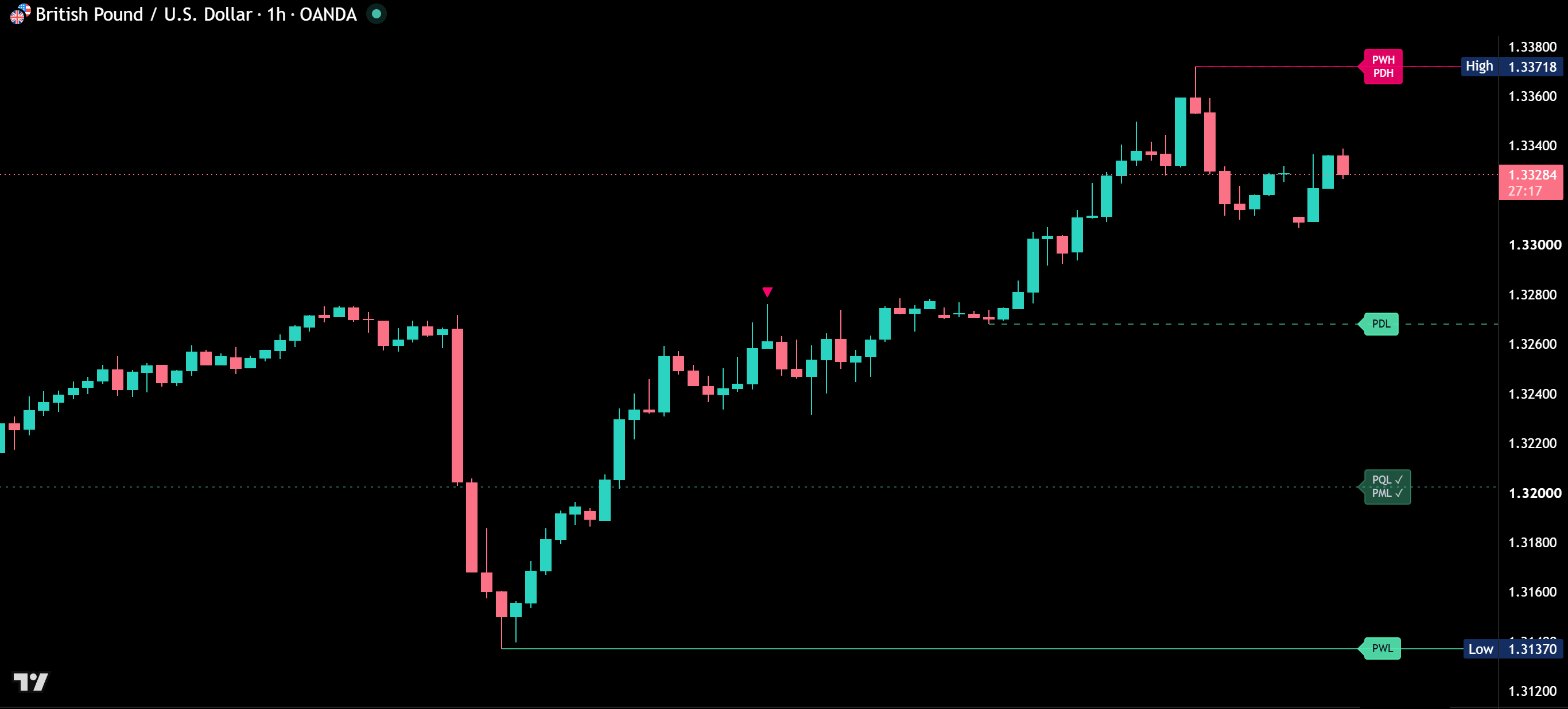
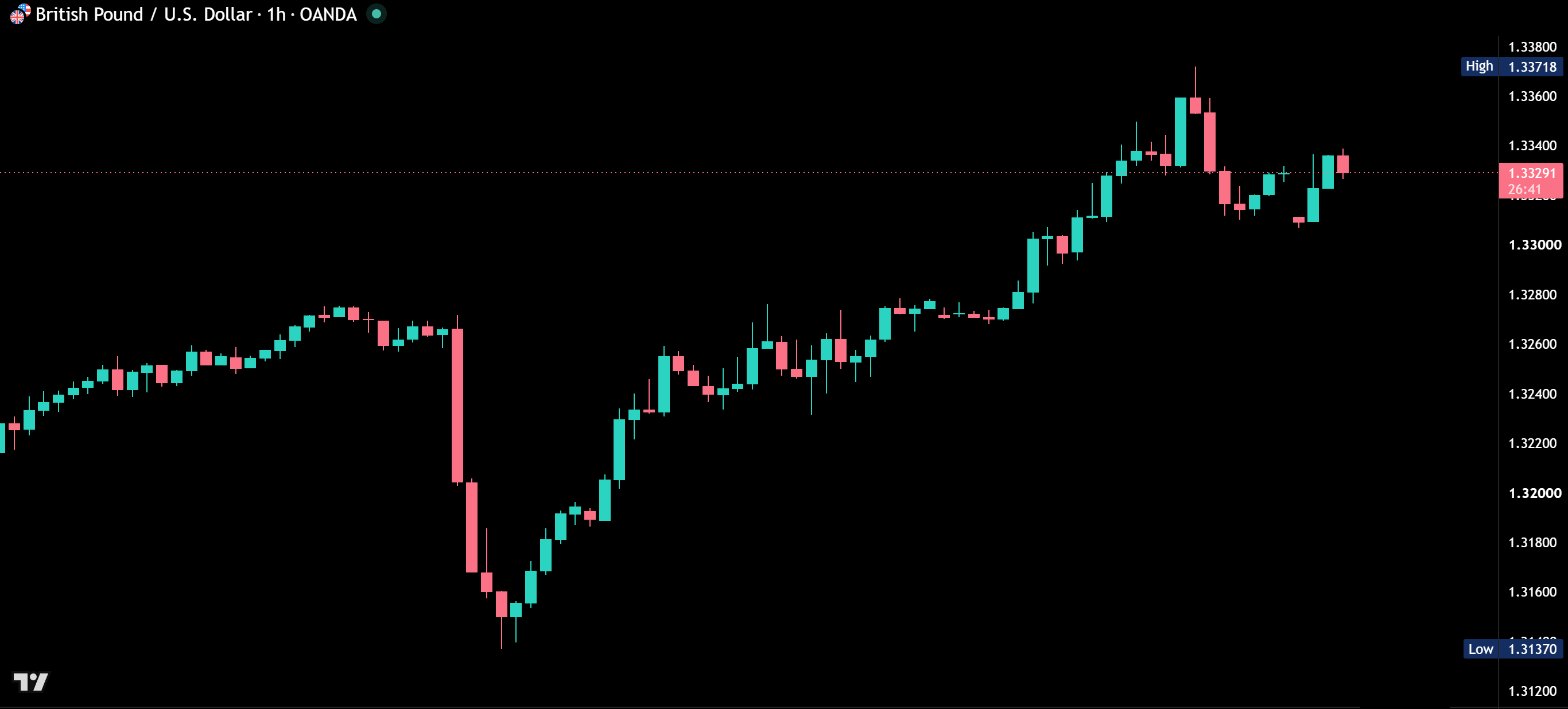
Multi-Timeframe Liquidity Levels draws the highs and lows of the previous day, week, month and quarter on any chart. Every level is labeled, starts at the candle that made it and shows the moment its liquidity is taken. One look tells you which levels are still in play and which have already been swept.
Every level named
PDH, PDL, PWH, PWL, PMH, PML, PQH and PQL, clearly labeled at the right edge. Levels close together share one label, ordered top to bottom like their lines, so nothing overlaps.
Lines that start where the liquidity sits
Each line begins at the exact candle that made the high or low. You see where the stops are resting and how long the level has been building.
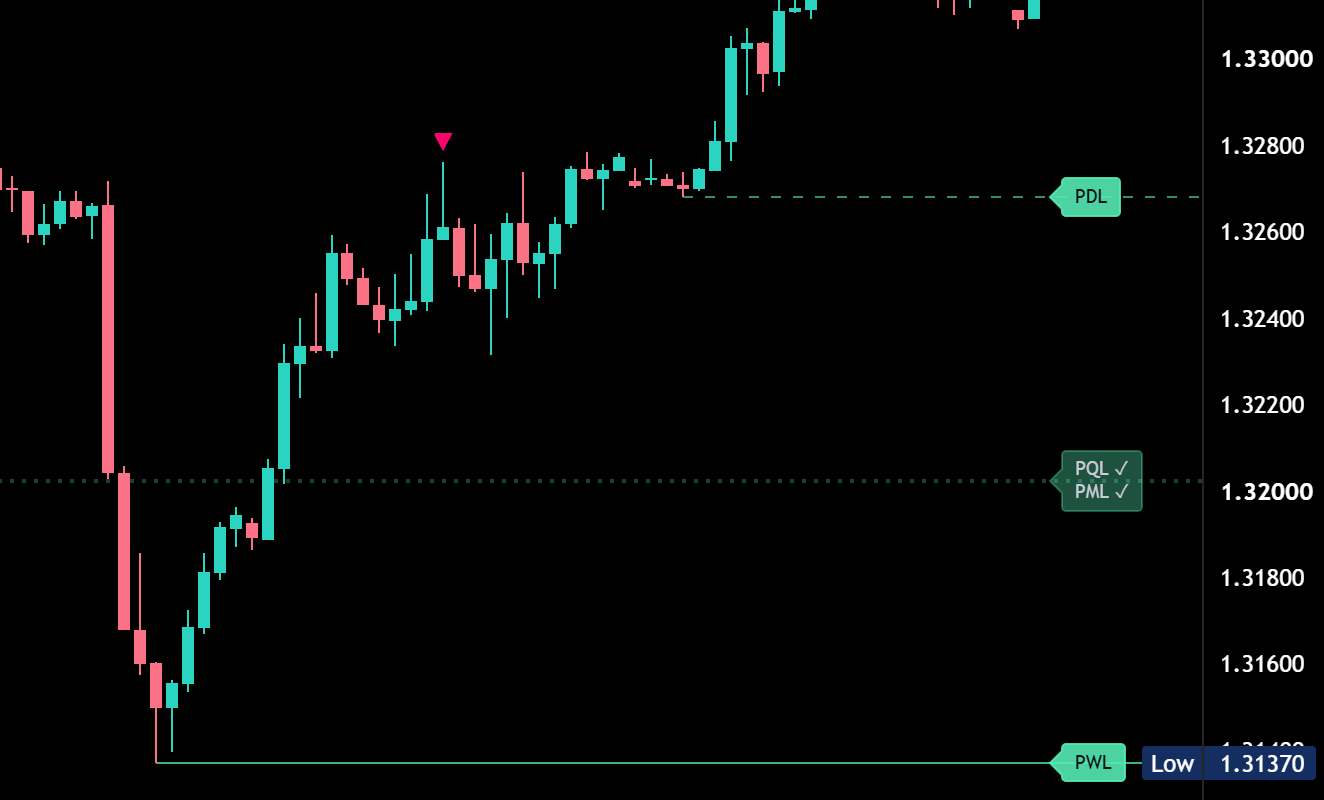
Liquidity sweeps at a glance
Once price trades through a level, the line fades and the label gets a check mark. Small markers show the candles that swept a level: the wick runs through, the candle closes back on the other side. You decide whether taken levels fade, disappear or stay as they are.
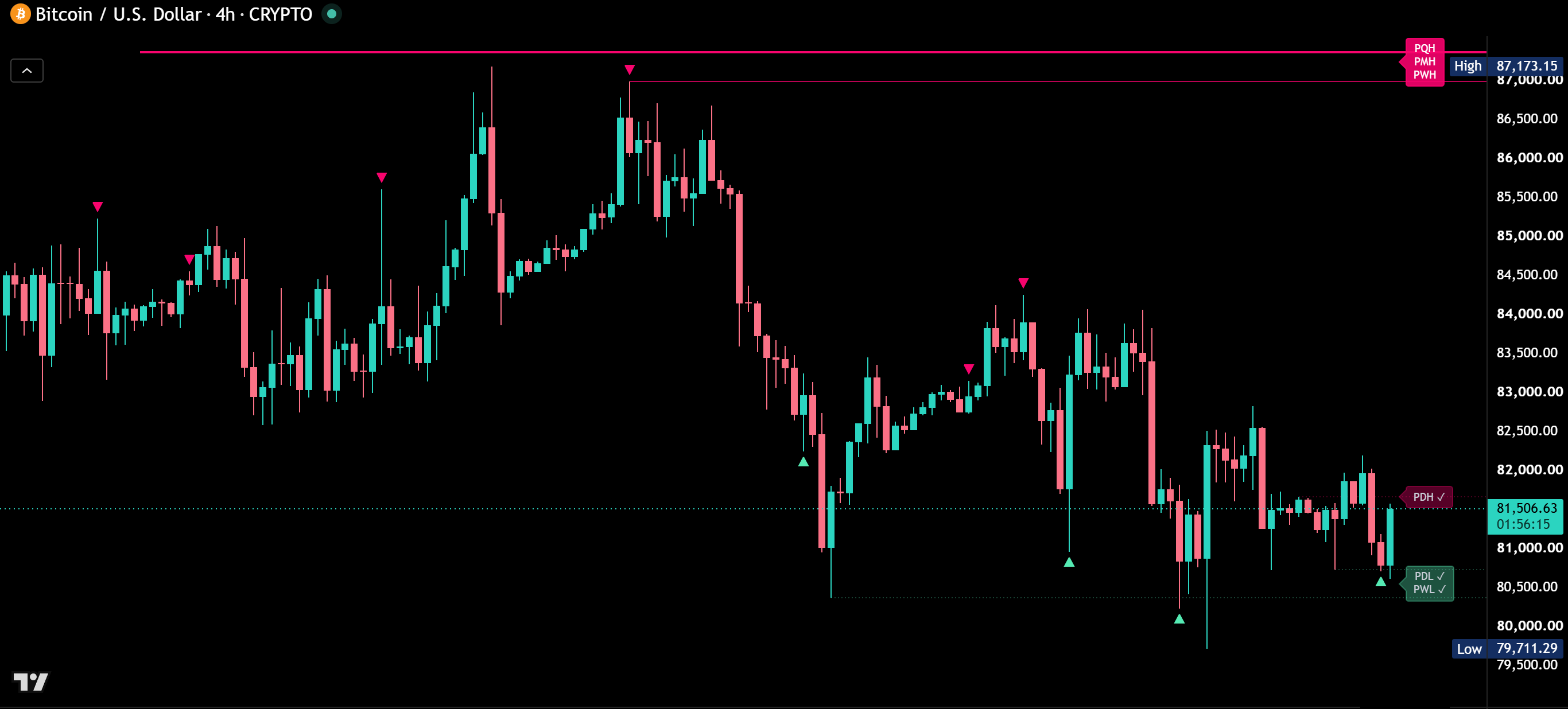
Buy-side and sell-side in one view
Highs, where buy-side liquidity rests, are drawn in pink. Lows, where sell-side liquidity rests, are drawn in mint. Larger timeframes are drawn stronger, so quarterly and monthly levels stand out from the daily ones. Prefer one color per timeframe? Switch with one click.
No repainting
Every level comes from the last closed candle of its timeframe. What you see on history is exactly what you saw in real time.
Smart display
Levels that make no sense on your chart are hidden automatically, for example daily levels on a daily chart. Your chart stays clean on every timeframe.
Reference lines
Add the previous day open and close, the midpoint of today’s range, and the NY Midnight Open at 00:00 New York time.
Alerts on candle close
- Buy-side liquidity swept
- Sell-side liquidity swept
- High broken or low broken
- Any liquidity event
With “Any alert() function call” you get one detailed message with the exact level and price.
How to add Multi-Timeframe Liquidity Levels
- Open Multi-Timeframe Liquidity Levels on TradingView with the button below.
- Click Add to chart and add it to your favorites.
- Start with the default settings. Every option has a tooltip if you want to fine-tune.
Real reviews
What traders say about MTF Liquidity
No reviews yet. Are you using MTF Liquidity? Be the first to share your experience.
Write a review
Only real people: every review is confirmed by email and checked by hand before it appears.
Updates
Get notified about updates
One email when Multi-Timeframe Liquidity Levels gets a new version – what changed and how to get it. Nothing else.