AE VWAP
AE VWAP
A VWAP that shows what usually happens next – measured odds of a return to the VWAP or a run to the next band, right on the line.

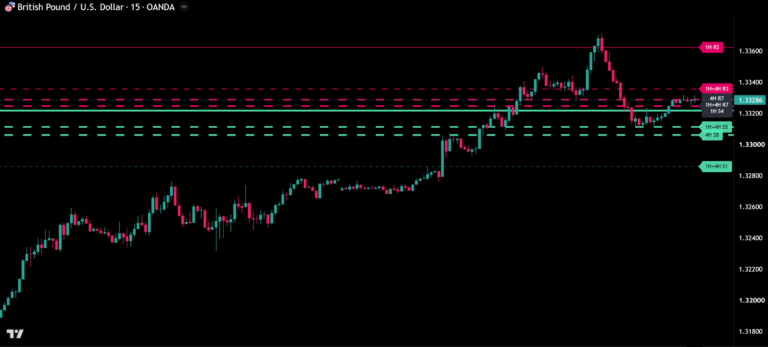
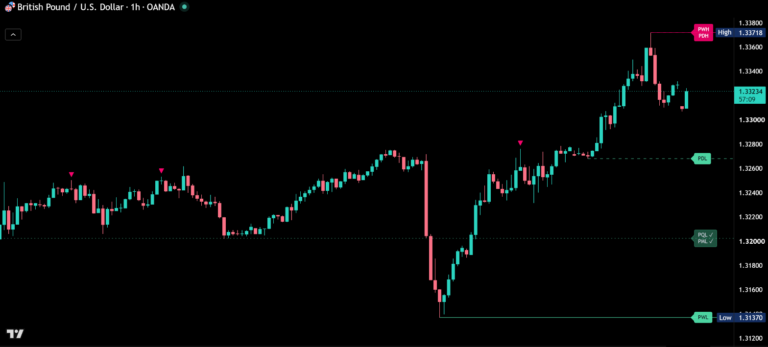
Before / after
Same chart. Now with AE VWAP.

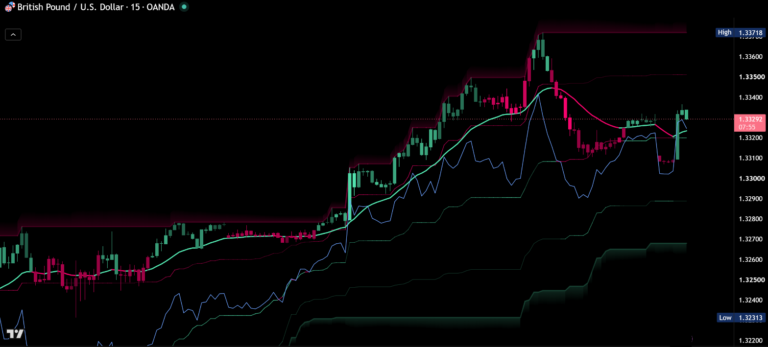
AE VWAP is an anchored VWAP that shows what usually happens next. It measures on your own chart how often price came back to the VWAP – or pushed on to the next band – from the same distance and the same stage of the session, and writes these odds right next to the lines. So you see at a glance whether a stretched move tends to snap back or to keep running.
Odds, right on the line
Every finished session on your chart is measured: where price stood relative to the VWAP at several stages, and what happened before the session ended. For the current candle, AE VWAP takes the sessions that were in the same σ zone at the same stage and shows two numbers: Back to VWAP – how often price touched the VWAP again – and To ±2σ – how often it reached the next band on its side. The VWAP tag carries the first number (↺), the tag on the target band the second (→). Hover a number and the tooltip tells you how many sessions stand behind it.

Trend day or range day
A pullback on a one-sided day behaves differently from one on a balanced day. The Control row shows who owns the session so far – the share of candles that closed above or below the VWAP. From 70% on one side the session counts as one-sided, and the odds then come from sessions that were one-sided as well, as soon as enough of them have been measured.
Value cloud and σ bands
A soft gradient runs from the VWAP out to ±1σ – the fair-value area of the session. The 2σ and 3σ bands show how far price is stretched, and the zone between them lights up as soon as price closes beyond 2σ. In the first candles of a new session the bands stay hidden while the VWAP settles, so there are no wide cones at the open.
Candles that show the stretch
Candles keep their up and down colors but grow stronger with their distance from the VWAP: faint near the line, full color from 2σ. Stretched moves stand out without a single extra label.
The self-check
Two reactions are measured on your chart and compared with a random walk built from your market’s own moves: VWAP tests – does price bounce off the VWAP – and band reversals – does price return from beyond 2σ to the VWAP before it reaches 3σ. The rating shows how clearly your market reacts: ●●● clearly above random, ●●○ above random, ●○○ like random. In the Full view, a small marker shows every decided test.

Previous and higher VWAPs
The final VWAP of the previous session stays on the chart as a dashed line and dims once price has touched it. The VWAP of the next higher period runs as a dotted line, and the dashboard shows whether price is above or below the next two higher VWAPs.
Everything in one table
The compact dashboard shows the distance from the VWAP in σ, both odds and who is in control. On the phone, Mini keeps it to three small rows – distance, the odds back to the VWAP and to the next band. Detailed adds the self-check ratings, the previous VWAP, the higher VWAPs and how many sessions and tests stand behind the numbers. The anchor sets itself: session up to 30 minutes, week up to 4 hours, month on the daily chart – or choose session, week, month, quarter or year yourself. In the Auto position the dashboard moves out of the way of the newest candles.
A clean menu
Ten settings in three groups: anchor, view (Clean, Standard or Full) and candle colors; dashboard and its position; colors. All measurement parameters are fixed to tested values, so there is nothing to tune and nothing to get wrong.
Alerts, no repainting
Alerts for VWAP crosses, the 2σ and 3σ bands, held VWAP tests and band reversals. Odds, ratings and markers are built from confirmed candles only and do not change afterwards.
The full market picture
Want to see which levels inside the range really held? AE Volume Profile shows volume profiles with level quality measured on your chart and the chance to reach every level before the period ends.
How to add AE VWAP
- Open AE VWAP on TradingView with the button below.
- Click Add to chart and add it to your favorites.
- Start on a 5- or 15-minute chart and watch the VWAP tag: ↺ shows how often price came back from where it is now.
Real reviews
What traders say about AE VWAP
No reviews yet. Are you using AE VWAP? Be the first to share your experience.
Write a review
Only real people: every review is confirmed by email and checked by hand before it appears.
Changelog
What changed in each version.
v1.2
New Mini dashboard for phones and a new Auto position that keeps the dashboard clear of the newest candles.
v1.1
Candle colors are now drawn in front of the chart’s own candles, so the shading by distance from the VWAP is visible on every chart.
v1.0
First release.
Updates
Get notified about updates
One email when AE VWAP gets a new version – what changed and how to get it. Nothing else.