S&R Lines
Intelligent S&R Lines
The support and resistance levels that matter right now, from two timeframes, with their strength visible at a glance.
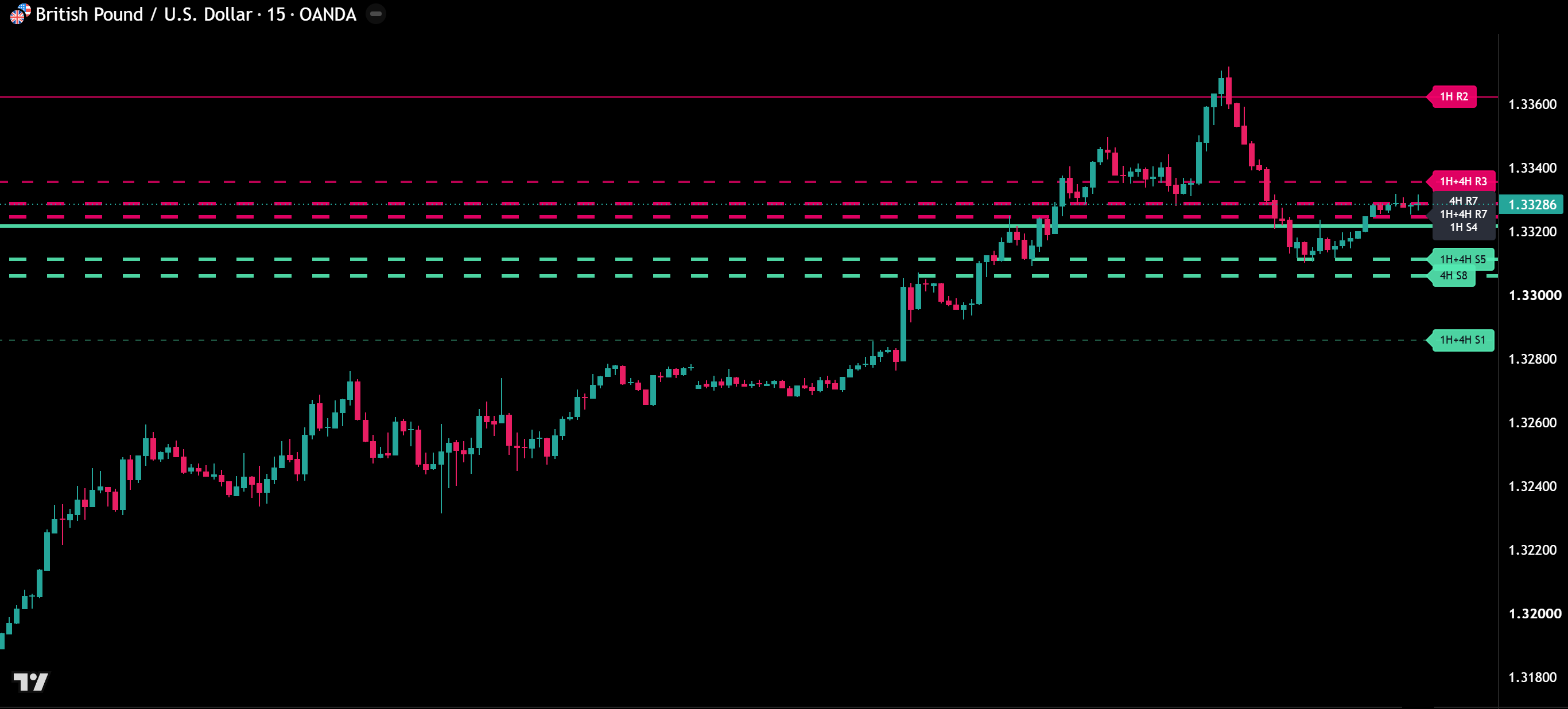
Intelligent S&R Lines finds support and resistance from the swing highs and lows of two higher timeframes and keeps the nearest levels on your chart. Every level counts how often price has reacted to it, so the strongest lines stand out.
What you see on the chart
- Two timeframes in one view. By default 1H and 4H levels, solid and dashed, on any chart timeframe.
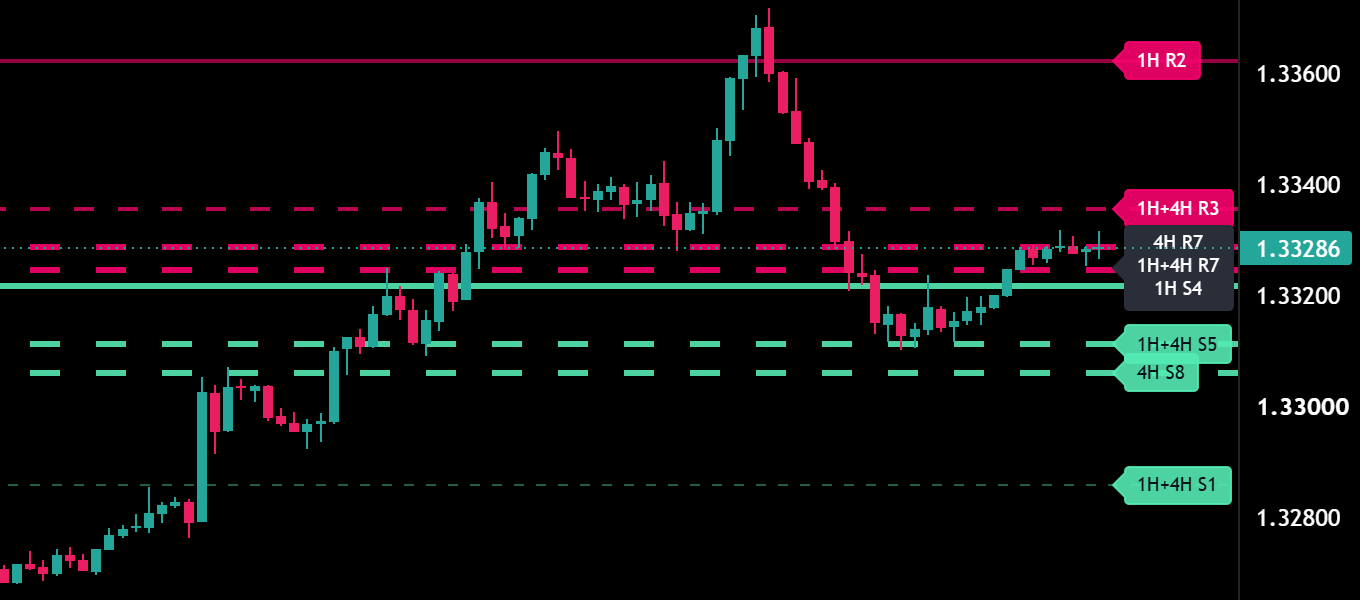
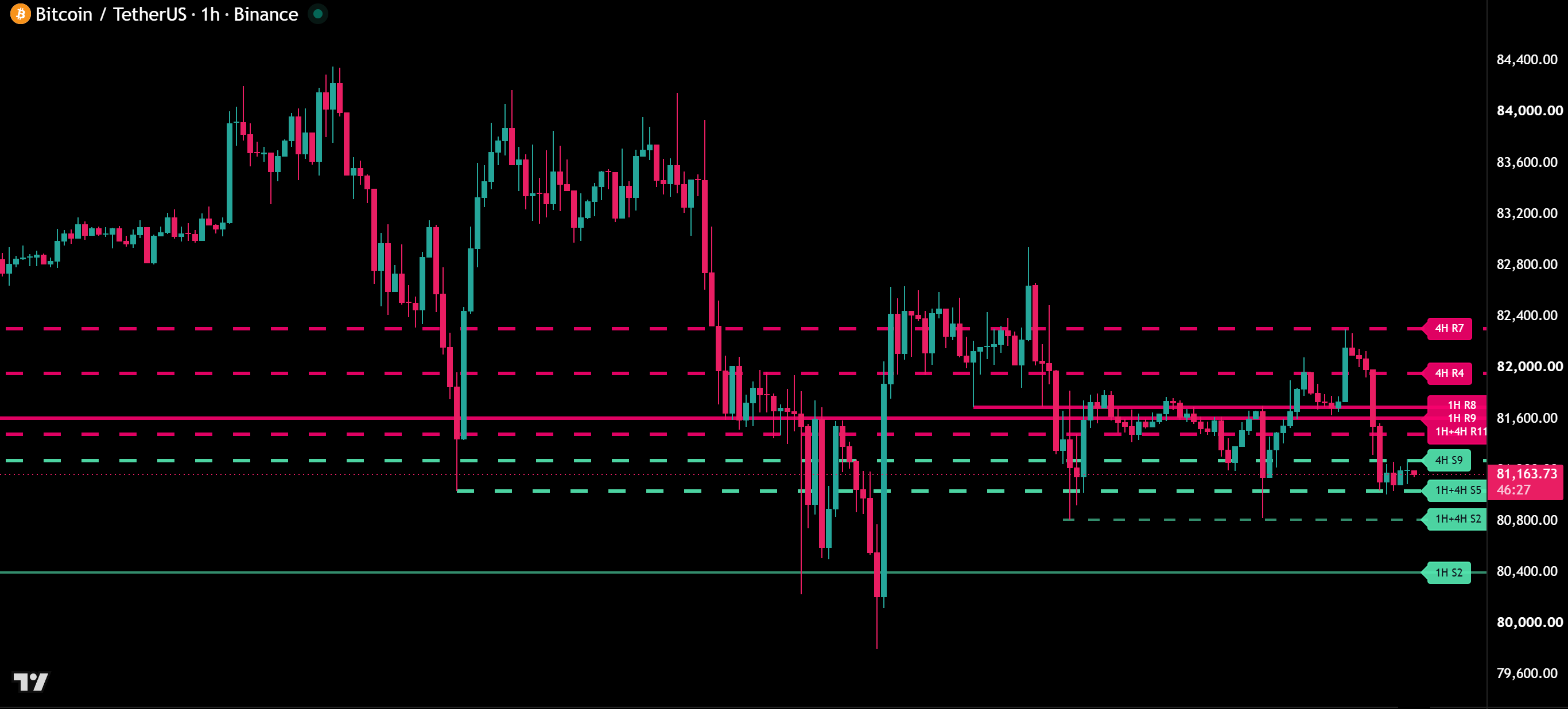
- Strength at a glance. Each touch makes a line thicker and more opaque. The price tag shows timeframe, role and touches, for example “4H R5”.
- Confluence. Where both timeframes mark the same level, one line carries both, for example “1H+4H S4”.
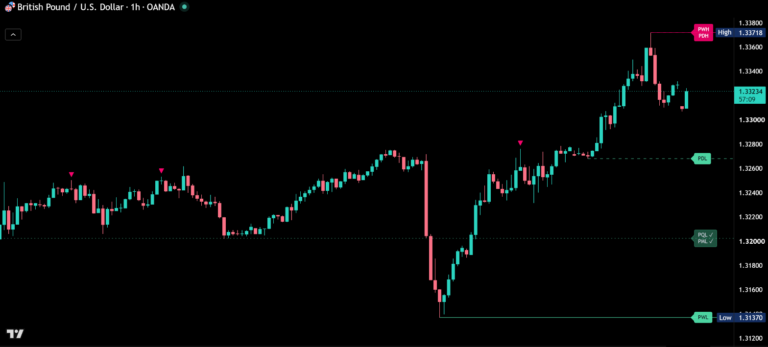
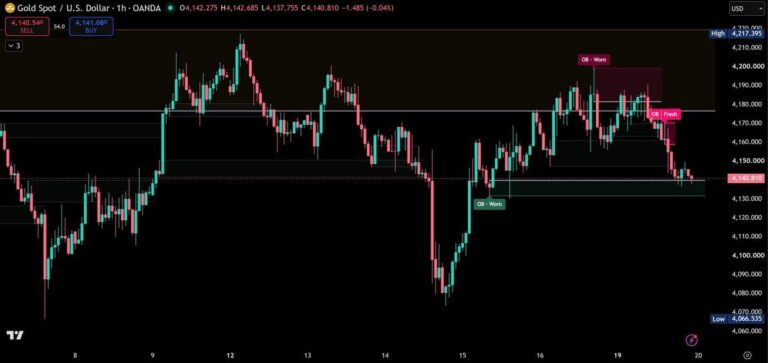
- Nearest levels per side. The closest supports below and resistances above price, so the chart stays calm.
- Clean price tags. Labels sit at the right edge next to price. Levels close together share one tag, ordered top to bottom like their lines.
How the levels work
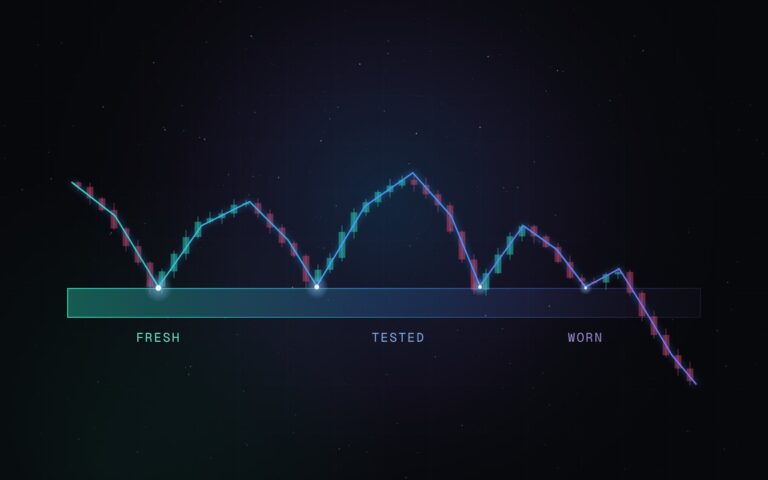
- Real touches. A touch is a candle of the level timeframe that reaches the line and closes on the same side.
- Role reversal. When a candle of the level timeframe closes beyond a resistance, it becomes support, and vice versa.
- Scales with every market. The touch tolerance is measured in ATR of each timeframe, so forex, indices and crypto get the same precision.
- Calculated on closed candles. Levels and touches update when a candle of the higher timeframe closes, so the chart stays steady while candles are running.
- Fits your chart. Colors adapt automatically to dark and light charts. A custom theme lets you set your own colors.
Alerts
- Approaching support or resistance, once per approach, with the distance in ATR.
- Breaking resistance or support on a candle close.
- Rejection from resistance and holding support, once per test.
- Detailed messages. With “Any alert() function call” each alert names the level, timeframe, touches and price.
How to add Intelligent S&R Lines
- Open Intelligent S&R Lines on TradingView.
- Click Add to favorites or Use on chart.
- On your chart, open Indicators → Favorites and select Intelligent S&R Lines.
Real reviews
What traders say about S&R Lines
No reviews yet. Are you using S&R Lines? Be the first to share your experience.
Write a review
Only real people: every review is confirmed by email and checked by hand before it appears.
Updates
Get notified about updates
One email when Intelligent S&R Lines gets a new version – what changed and how to get it. Nothing else.