AE FVG
AE Fair Value Gaps
Fair value gaps as clean zones that show how much of each gap is still open – with CE line, fill % and alerts.
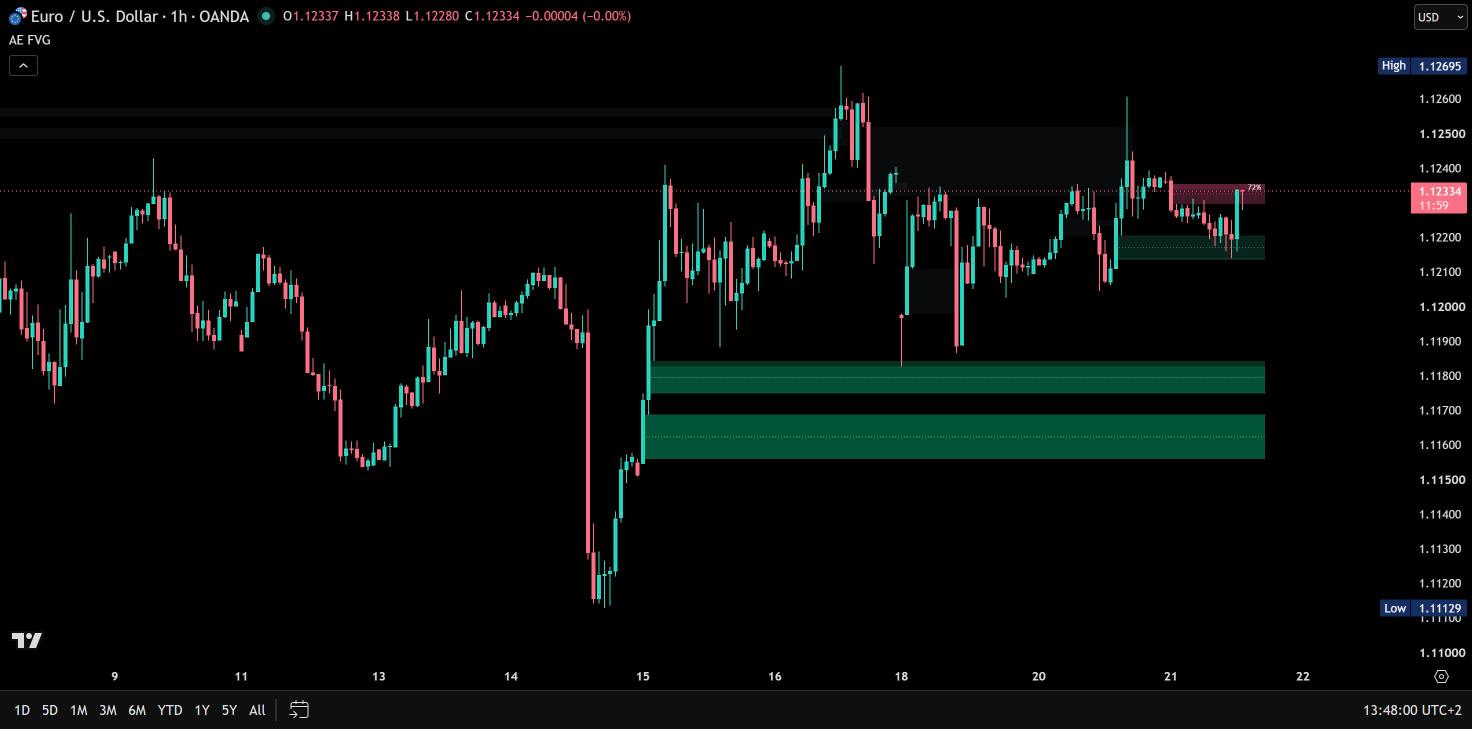
Before / after
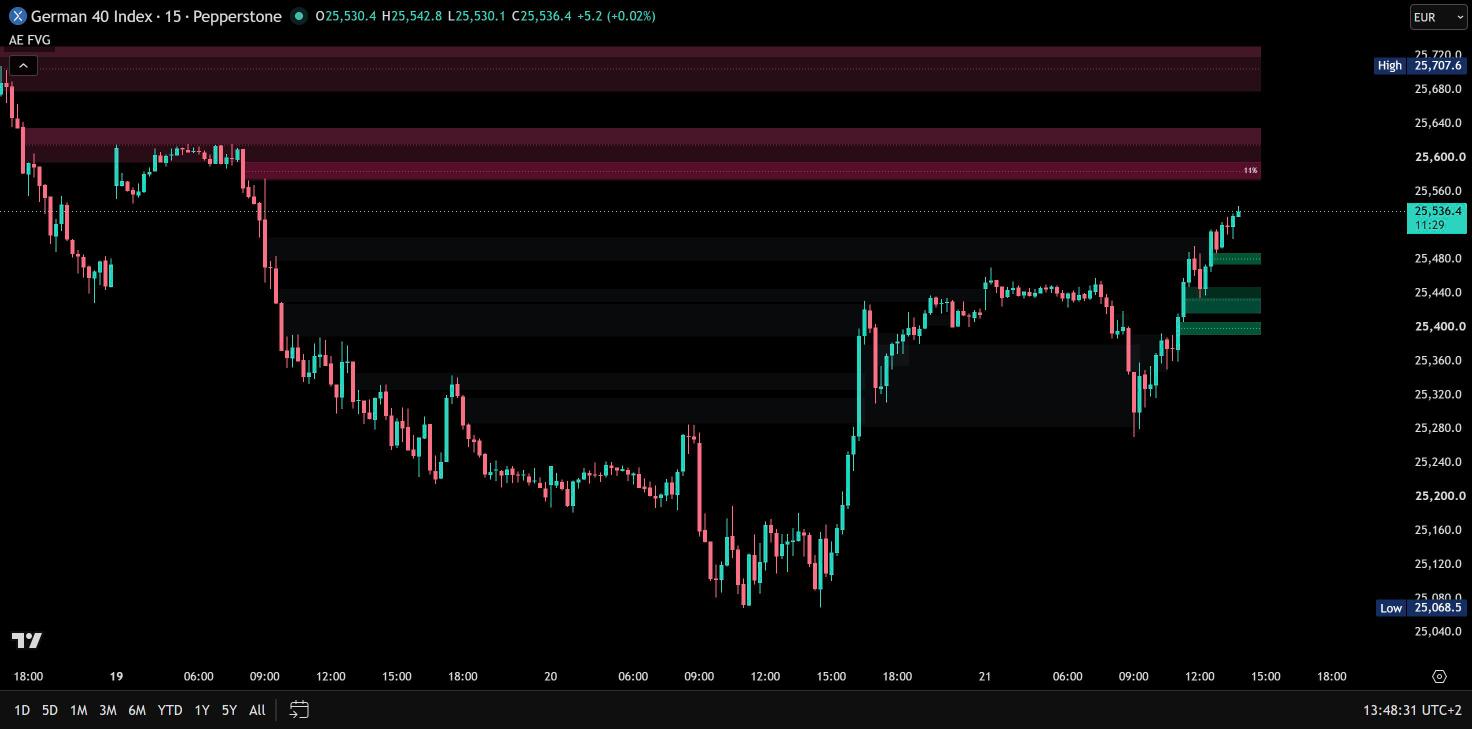
Same chart. Now with AE FVG.

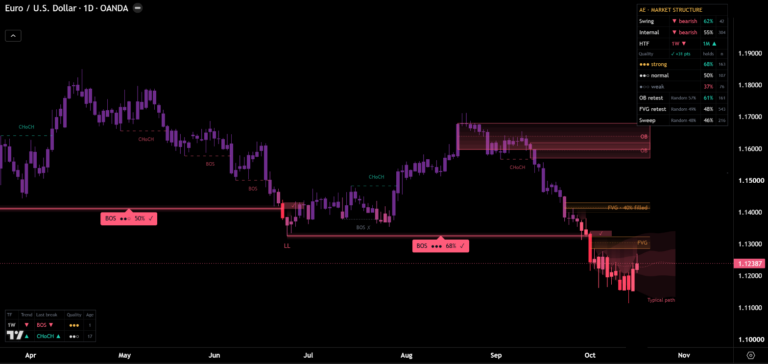
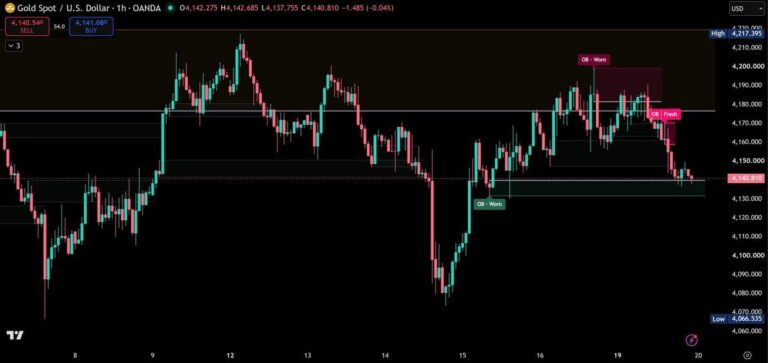
AE Fair Value Gaps draws every fair value gap as a clean zone that shows how much of it is still open. Bullish gaps are green, bearish gaps red, the part price has already traded through fades – and only the zones closest to price are drawn, so your chart stays readable on every timeframe and on your phone.
Every gap, clearly drawn
A fair value gap is a three-candle imbalance: the low of the third candle stays above the high of the first (bullish), or the high of the third stays below the low of the first (bearish). Gaps smaller than a share of the ATR are ignored – 0.10 by default, with 0 every gap is detected – and on intraday charts gaps that only exist because of a session open or a weekend are skipped. Every zone is set when its third candle has closed and never repaints.

How much is still open
Once price trades into a zone, the part it has traded through fades and the open part stays bright. The dotted CE line marks the middle of every gap (consequent encroachment, 50%), and an optional label shows the fill in percent – on the nearest zone or on all zones. Zones near price are drawn stronger.
A zone is filled as soon as a wick reaches its far edge, or only when a candle closes beyond it if you prefer. Filled zones turn grey, end at the candle that filled them and stay behind the open ones.
A clean chart on every timeframe
Only the open zones closest to price are drawn – by default 3 above and 3 below, up to 10 ATR away. All other open zones keep being tracked and appear as price comes closer, and hidden zones never stretch the price scale. Up to 40 open zones are tracked at a time.
Sessions
On intraday charts, an optional session filter detects gaps only inside your session – in the exchange time zone or one of 9 selectable time zones. Open zones can expire with the end of the session; they stay on the chart up to the last candle of the session.
Alerts on candle close
New FVG, first touch, CE reached and filled. Create one alert with the condition “Any alert() function call” – every message names the direction and the prices of the zone. All alerts fire once per closed candle, and the four events are also available as separate alert conditions.
Your colors, your chart
Colors adapt automatically to a dark or light chart background. Choose the zone look – Soft, Balanced or Focused – and your own colors for bullish, bearish and filled zones, separately for dark and light charts.
Only the gaps that broke structure
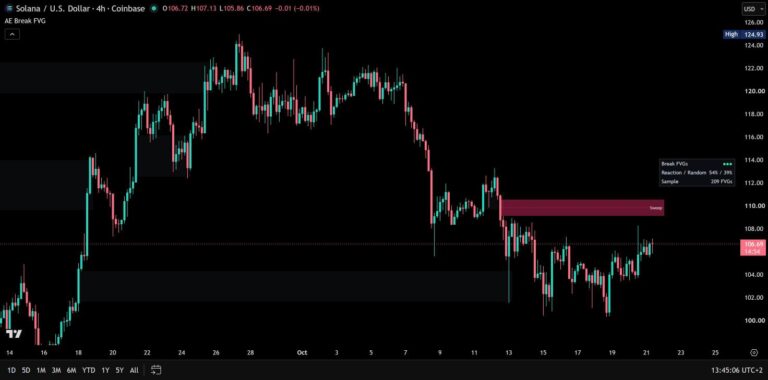
Want fewer, stronger zones? AE Break FVGs keeps only the strong gaps that form while price breaks the last swing high or low – and measures on your chart how often price has reacted at them compared with random zones.
How to add AE Fair Value Gaps
- Open AE Fair Value Gaps on TradingView with the button below.
- Click Add to chart and add it to your favorites.
- Start with the default settings. The code is open source, so you can look at every line.
Real reviews
What traders say about AE FVG
No reviews yet. Are you using AE FVG? Be the first to share your experience.
Write a review
Only real people: every review is confirmed by email and checked by hand before it appears.
Changelog
What changed in each version.
v1.0
First release.
Updates
Get notified about updates
One email when AE Fair Value Gaps gets a new version – what changed and how to get it. Nothing else.