AE Zones
AE Zones
Support and resistance zones that test themselves: wear, break risk and an edge check against random zones, on your own chart.
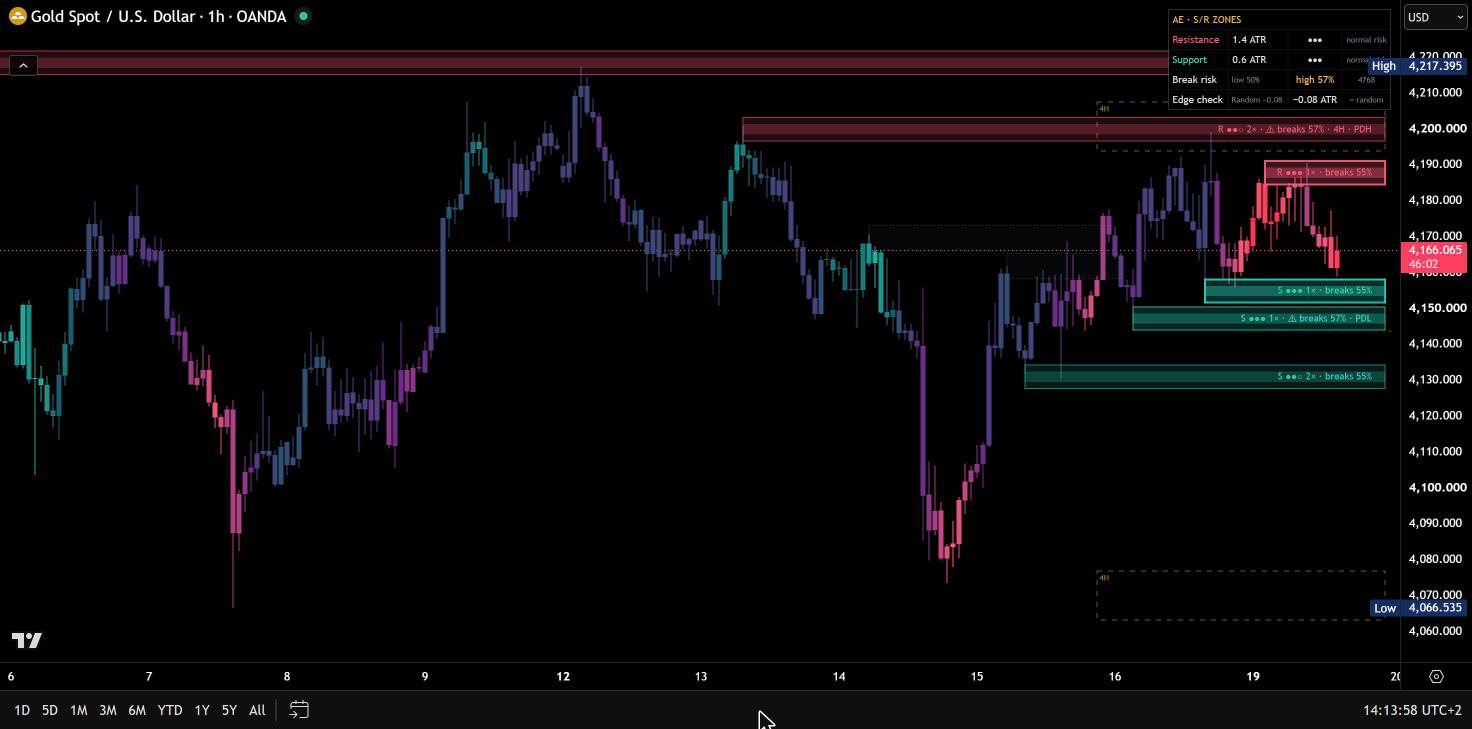
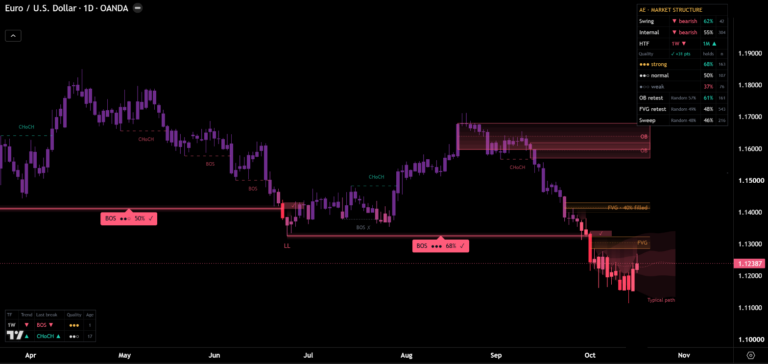
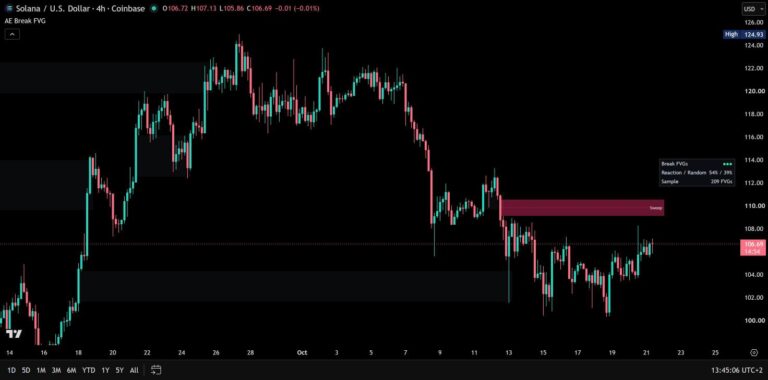
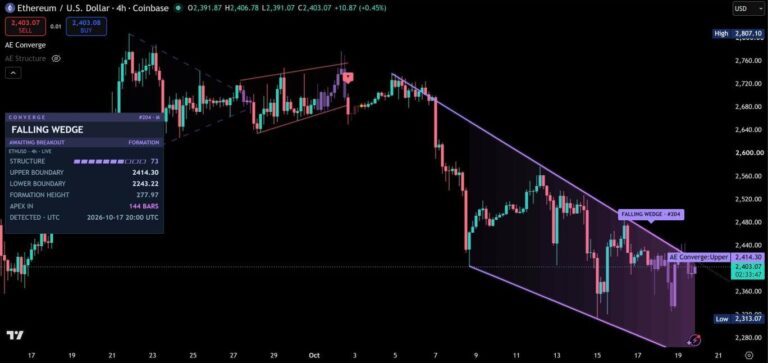
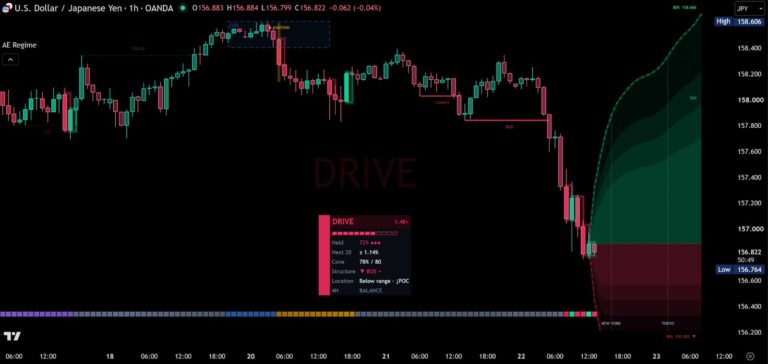
Before / after
Same chart. Now with AE Zones.
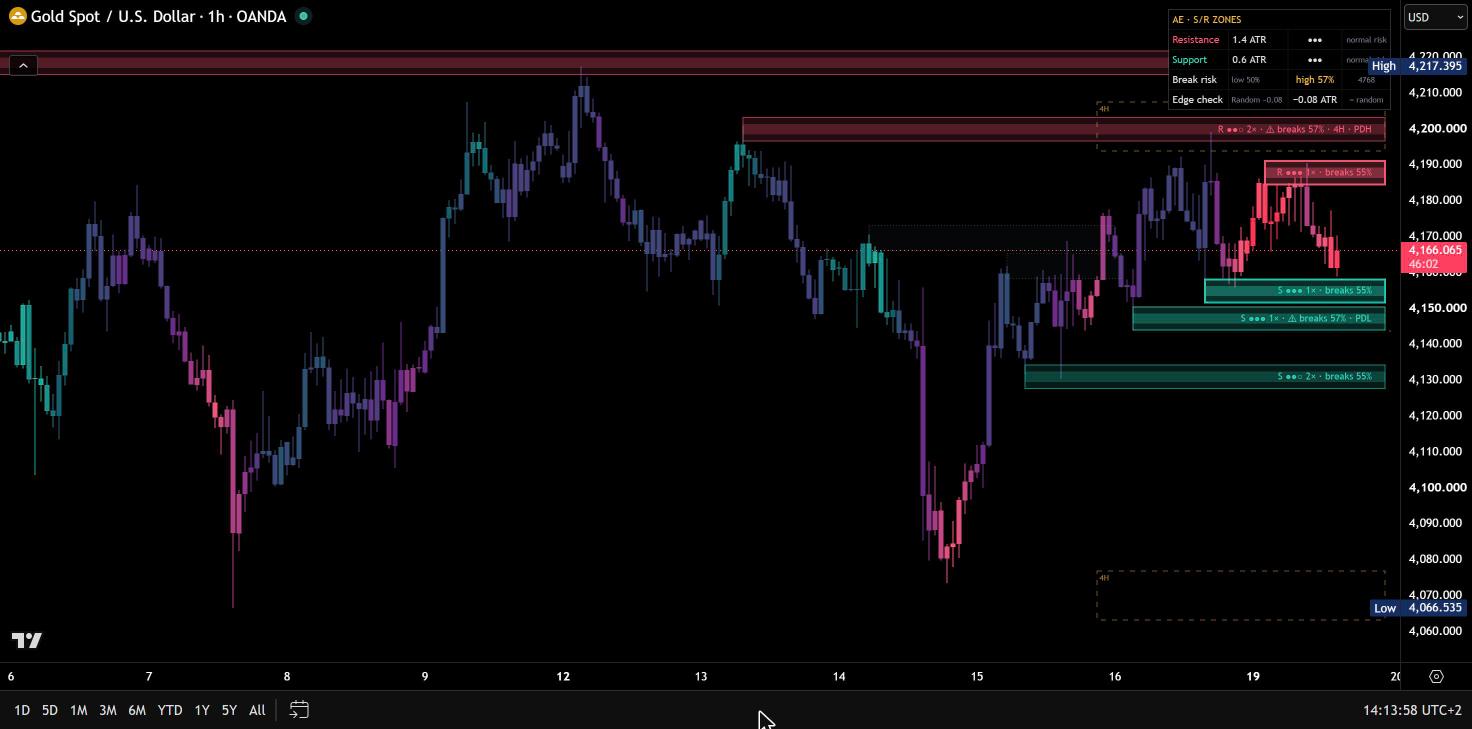

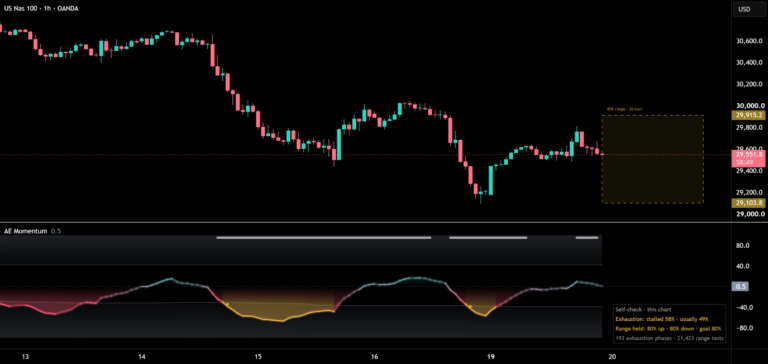
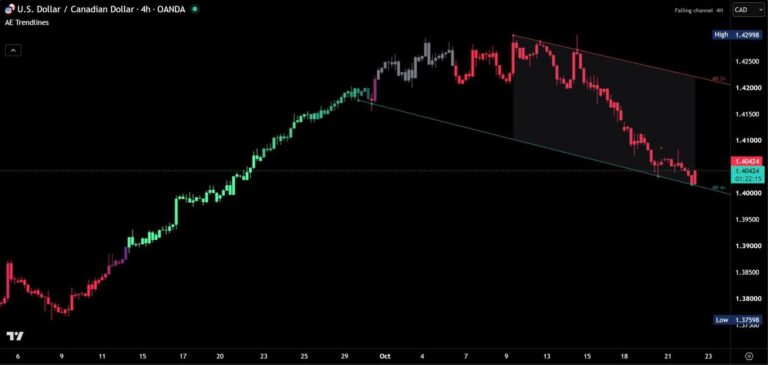
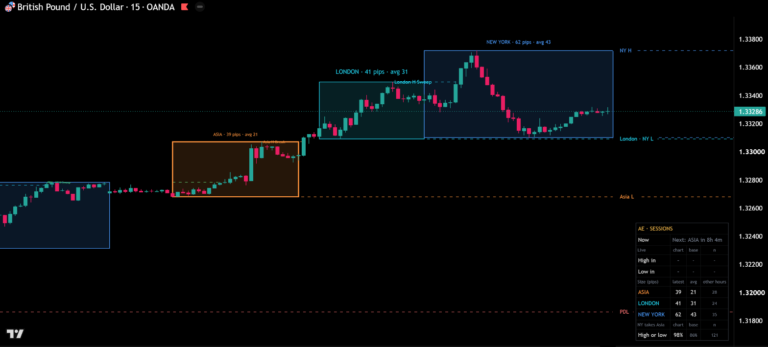
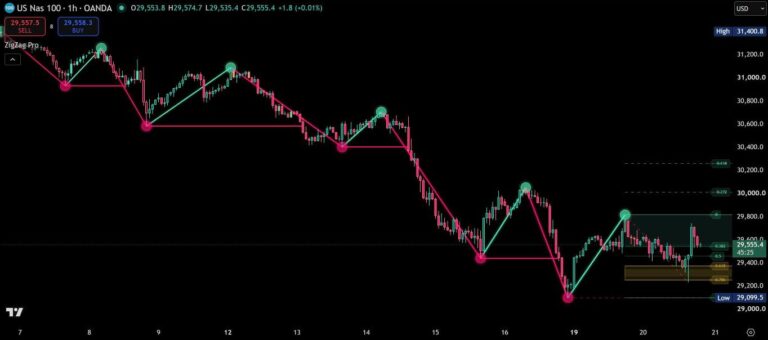
AE Zones draws support and resistance where price actually turned: at confirmed highs and lows. Every zone has the same height in ATR, keeps its own history and tells you how worn it is. What makes it different is the dashboard. For every zone, AE Zones runs a random twin of the same height through exactly the same rules, so every hold rate, bounce and run comes with a fair benchmark from the same candles. You see the levels, and you see what they are worth on your market.
Zones that stay comparable
A zone starts at a confirmed pivot high or low and appears once the pivot is confirmed, so it never repaints. All zones share the same height in ATR and widen and narrow with volatility. A new high or low inside a zone, or right next to it, counts as another touch and re-centres the zone. When a candle closes through a zone, resistance turns into support and vice versa, shown with a dashed border.
Fresh, tested, worn
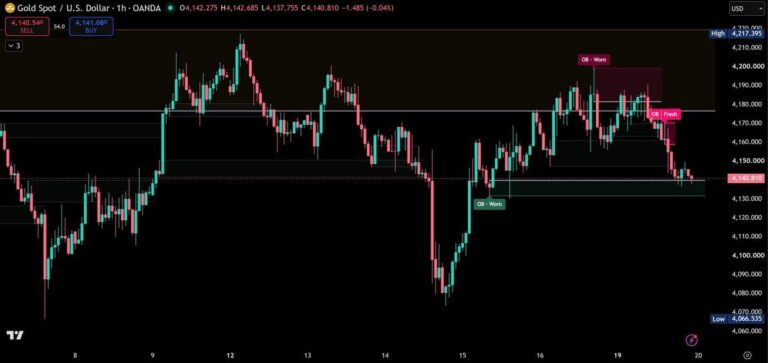
Three dots in every label tell you how often a zone has been touched: fresh (one touch), tested (two) and worn (three or more). Fresh zones are drawn stronger, worn zones fade back, and the zone nearest to price on each side stands out. Zones that lie so close together that their labels would overlap share one stacked label, listed from top to bottom. In a first test on 30 market and timeframe combinations, worn zones held less often than fresh zones in 24 of 30 cases, but a second test on 30 other combinations did not confirm this. So treat the wear as a description of the zone, not as a signal. With Full statistics turned on, the dashboard checks it for your market and only shows a tick when the difference is clear.
Break risk at a glance
Every touch gets a break risk from three things that are known when price arrives: a worn zone, the previous day’s or week’s high or low inside the zone, and a slow approach. Labels, dashboard and alerts show low, normal or high risk together with how often touches with that risk broke on your chart. In our tests, high-risk touches broke more often than low-risk touches in 24 of 30 cases, and a second test on 30 other combinations confirmed the direction. The gap is small, though, about 3 to 4 percentage points, and random zones show the same: a tilt, not a filter.
The zones test themselves
By default the dashboard stays compact: nearest resistance and support, break risk and the edge check, so it does not cover your latest candles, even on a phone. Turn on Full statistics for the hold rates by wear and for role flips, the typical bounce and the typical run after a break, each next to random zones of the same height. The edge check goes one step further: it treats every touch as a trade (entry at the close of the touch candle, target 1 ATR, exit on a close beyond the zone) and shows the average result per touch, again next to random zones. In seconds you see whether trading these zones has paid on your market and timeframe. In our tests on 30 combinations it did not: zones and random zones came out about equal, at about −0.05 ATR per touch before costs, and the edge check says so with “= random”.

Higher-timeframe zones and key levels
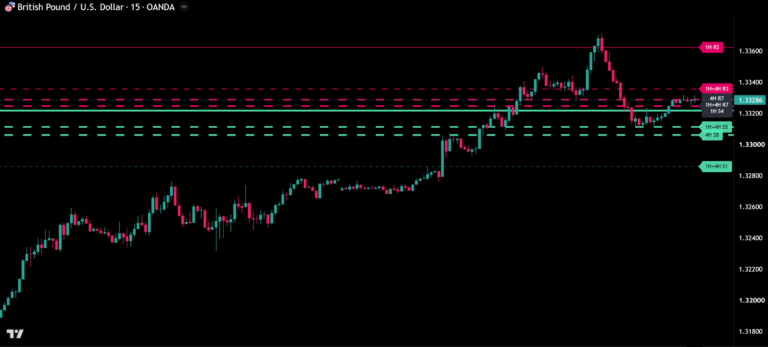
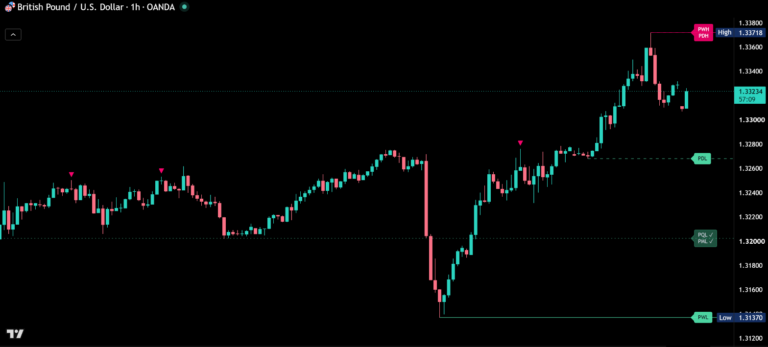
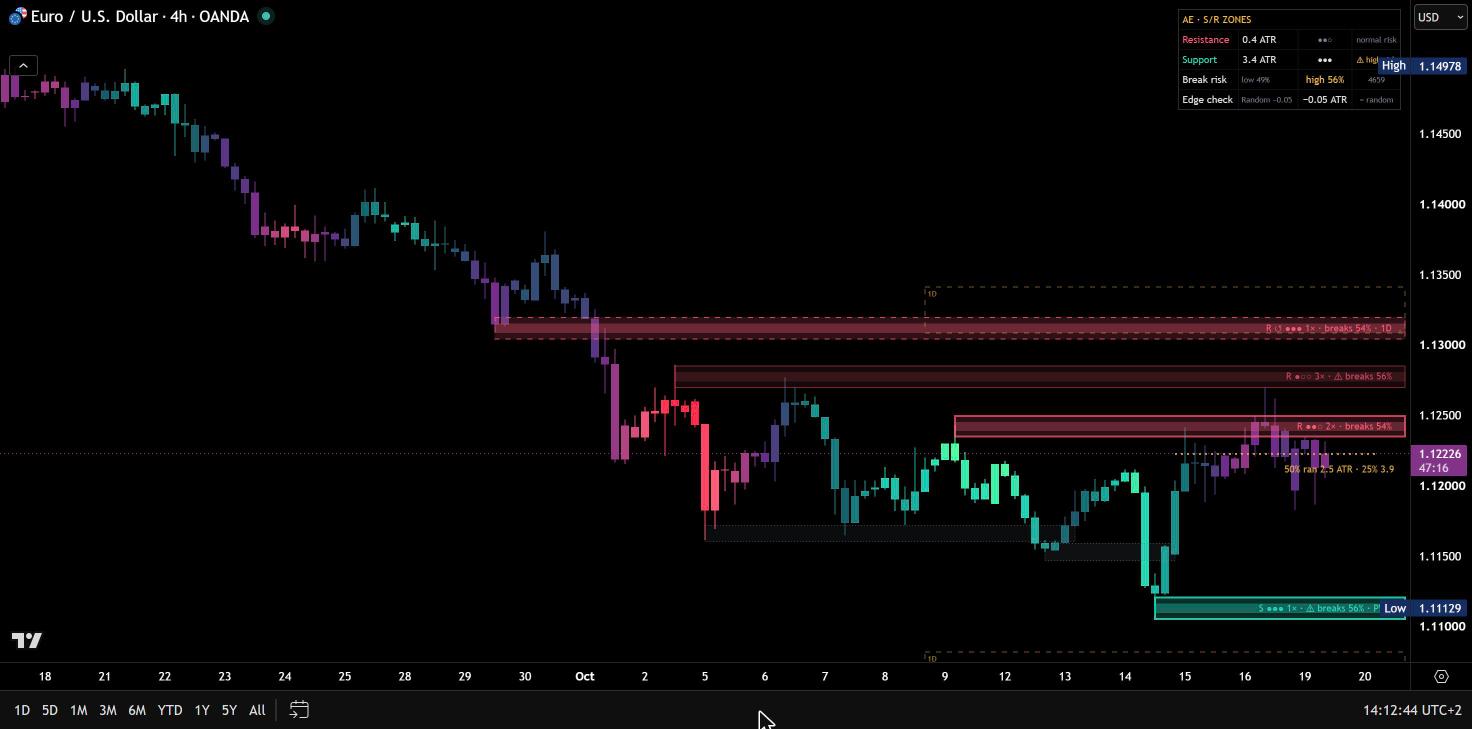
The same rules run on a higher timeframe at the same time: 15-minute zones on charts up to 5 minutes, 1-hour zones on the 15-minute chart, 4-hour zones on the 1-hour chart, daily zones on the 4-hour chart, or any timeframe you choose. They are built from closed candles only and drawn as dashed outlines. Chart zones that overlap one carry the timeframe in their label, and zones that contain the previous day’s or week’s high or low are tagged PDH, PDL, PWH or PWL.
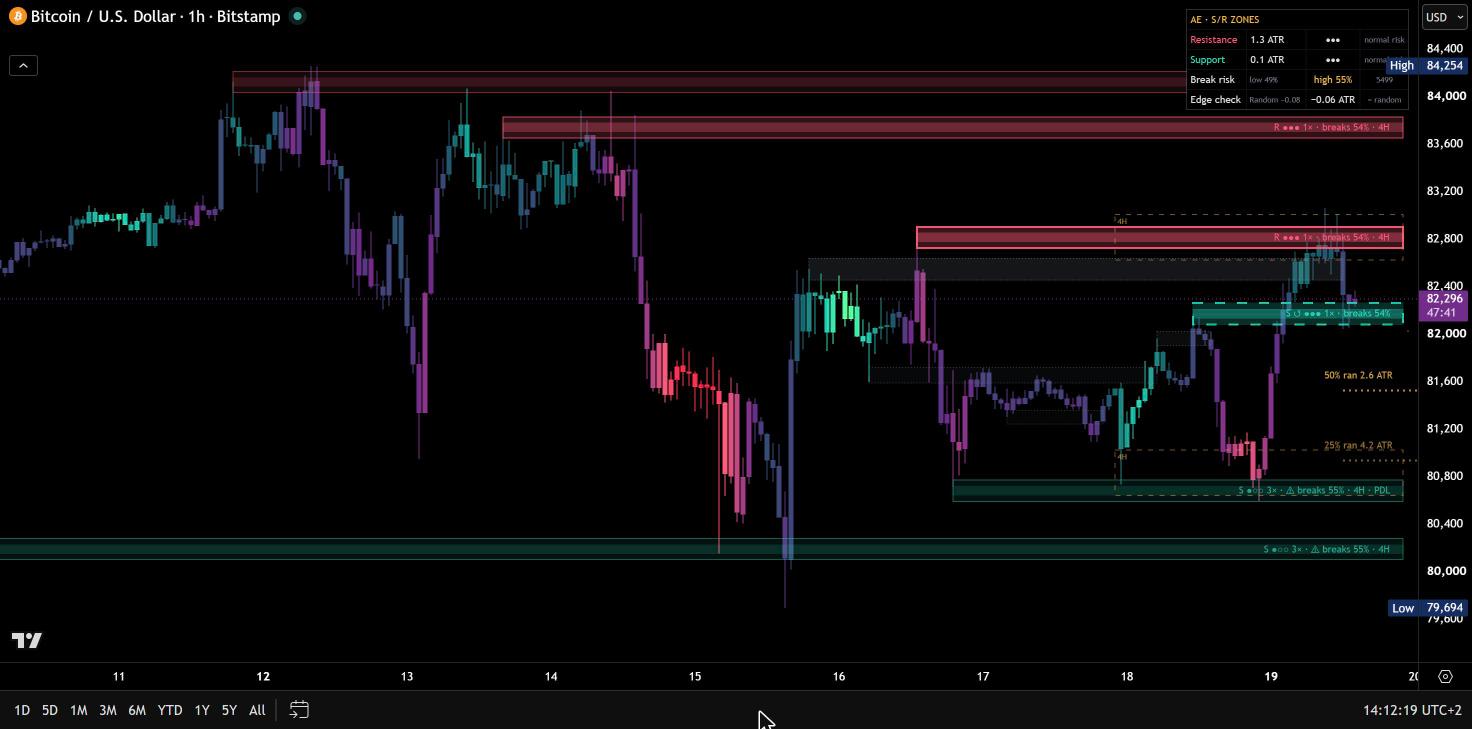
Typical bounce and run
While price is touching a zone, two dotted lines show how far price moved away after comparable touches on your chart: the distance reached by half and by a quarter of them. After a break, the same lines show how far earlier breaks ran beyond the zone, and the tooltip tells you how often price came back through the whole zone. Where there is no room for a label next to a line, its value moves into the other label instead of covering a zone.
Alerts on candle close
- Zone touch, resistance touch, support touch and fresh zone touch
- Zone break, resistance broken and support broken
- Retest after a role flip
- Zone approach, with the distance you choose
With “Any alert() function call” you can filter by wear and get one message with side, wear, touches, price range and break risk, also as JSON for webhooks.
Your colors, your chart
Mint for support, pink for resistance, amber for higher-timeframe zones and statistics. Candles can follow the last zone event, with an intensity that shows how far price has moved away from the zone. The theme adapts to dark and light charts automatically, and every option has a tooltip.
How to add AE Zones
- Open AE Zones on TradingView with the button below.
- Click Add to chart and add it to your favorites.
- Start with the default settings. Hover any label or dashboard row for the details behind the numbers.
Real reviews
What traders say about AE Zones
No reviews yet. Are you using AE Zones? Be the first to share your experience.
Write a review
Only real people: every review is confirmed by email and checked by hand before it appears.
Changelog
What changed in each version.
v1.2
Labels of zones that lie close together are stacked instead of overlapping, the bounce and run labels avoid zone labels, compact dashboard by default (full statistics on demand), shorter labels, a clearer edge check verdict and test notes corrected after a second test.
v1.1
The labels of the typical bounce and run lines now sit above the line.
v1.0
First release.
Updates
Get notified about updates
One email when AE Zones gets a new version – what changed and how to get it. Nothing else.